
E-sign self storage rental agreements, using your own lease
Your own lease, signed at the counter or from an emailed link, and filed on the tenant record.
$75/month per facility30-day trial + first month free
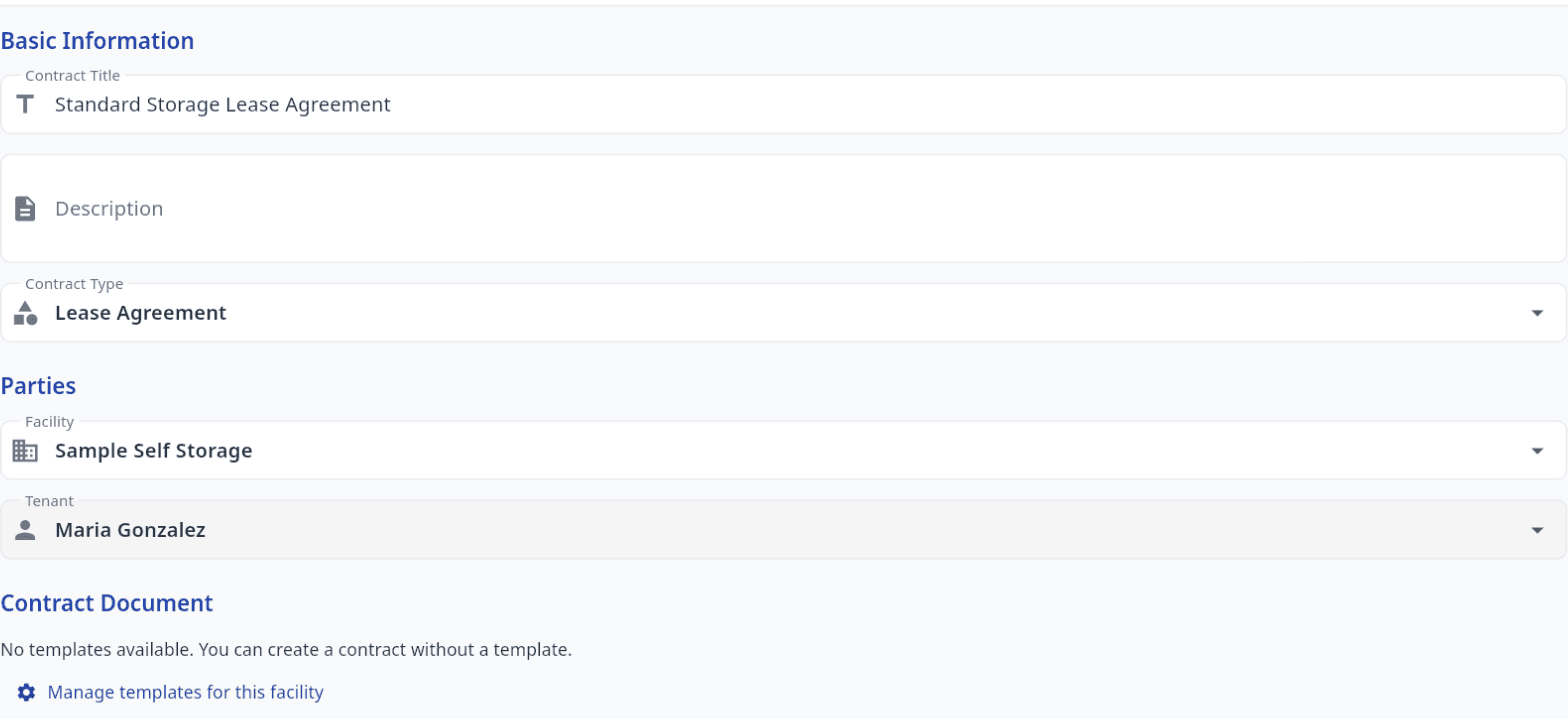
Use your own lease
- Upload the lease you already use, as a PDF.
- Association or attorney-drafted forms are fine once you confirm your rights to them.
- Tap the page to place signature, initials, date and unit number fields.
Signed at the counter or online
- Walk-ins sign in person on your office tablet.
- Create an agreement from your lease on the tenant page, then tap Sign in person.
- Or tap Send for signature to email the tenant a link they sign from their phone.
- Online renters e-sign the app's standard rental terms during online move-in.
- No tenant account is needed for any of these.

A signed copy and a record
- The signature is stamped onto your uploaded PDF.
- The signed PDF is filed on the tenant's record.
- Tenants who sign your lease are emailed a link to their signed copy.
- Each agreement keeps the signer's name, email and signing time.
Who can do what
- Viewers can read agreements; employees and managers create them.
- Lease end dates show on the facility calendar.
- Read our electronic signature disclosure.
Common questions
Can I use my own storage lease?
Yes. Upload your lease PDF and place the signature fields. You confirm you have the rights to any form you upload, so association or attorney-drafted leases are fine.
Do tenants need an account to sign?
No. Walk-ins sign on your office tablet, tenants you send a link to sign from that link, and online renters sign during their online move-in. None of them needs an account.
Who can delete an agreement?
Only owners and managers. Employees can create agreements and viewers can read them, but neither can delete one.
Related
Online rentals (+$25/mo)
Renters pick a unit, e-sign and pay on your facility website.
Self storage online rental softwareTenant portal
Tenants check their balance, pay by card and turn on autopay.
Self storage tenant portal
Start your free trial
30-day trial + first month free. Sign up yourself, with no sales call.
No onboarding fee. $75 per facility, per month. Built for self-storage operators.