
How to bill tenants on their move-in day
Bill new tenants on their move-in day instead of the 1st: a move-in on the 15th pays a full first month with no prorating, then autopay, late rent and any reminders you have turned on follow their day.
Runs 1:35. Filmed on Pine Ridge Self Storage, a made-up demo facility with sample data. Nothing loads from YouTube until you press play, or watch it on YouTube.
Transcript
0:00Rent due: the 1st or move-in day
Rent is due on the 1st by default. To bill each new tenant on the day they moved in instead, open Facilities, your facility's menu, then Edit. Under Rent due, pick On each tenant's move-in day.
0:16Confirm and save
A box explains it: tenants who already rent from you keep paying on the 1st, and nothing on their ledgers changes. Click Bill on move-in days, then Update Facility. Only the owner can change this.
0:31A move-in on the 15th
Now a move-in. From the Calendar, click a day and choose Move-in. Pick the tenant and the unit they're taking, then set the move-in date. Say, the 15th.
0:44A full first month, no prorating
There's no prorating. They pay a full first month, from the 15th to the 14th, then rent is due on the 15th every month. The 29th to the 31st fall on the last day of a shorter month.
0:58Their due day, autopay and late rent
Finish the move-in, and their page shows Rent due, Day 15. Autopay charges them that day, reminders, if you've turned them on, go out before it, and they're late only after that day plus your grace period.
1:15Switching back, and tenants from paper
Switching back to the 1st is the same steps, and tenants already billed on their move-in day keep their day. Moving tenants over from paper? Add them, then use Enter past history with their move-in date, before the next 1st.
More videos
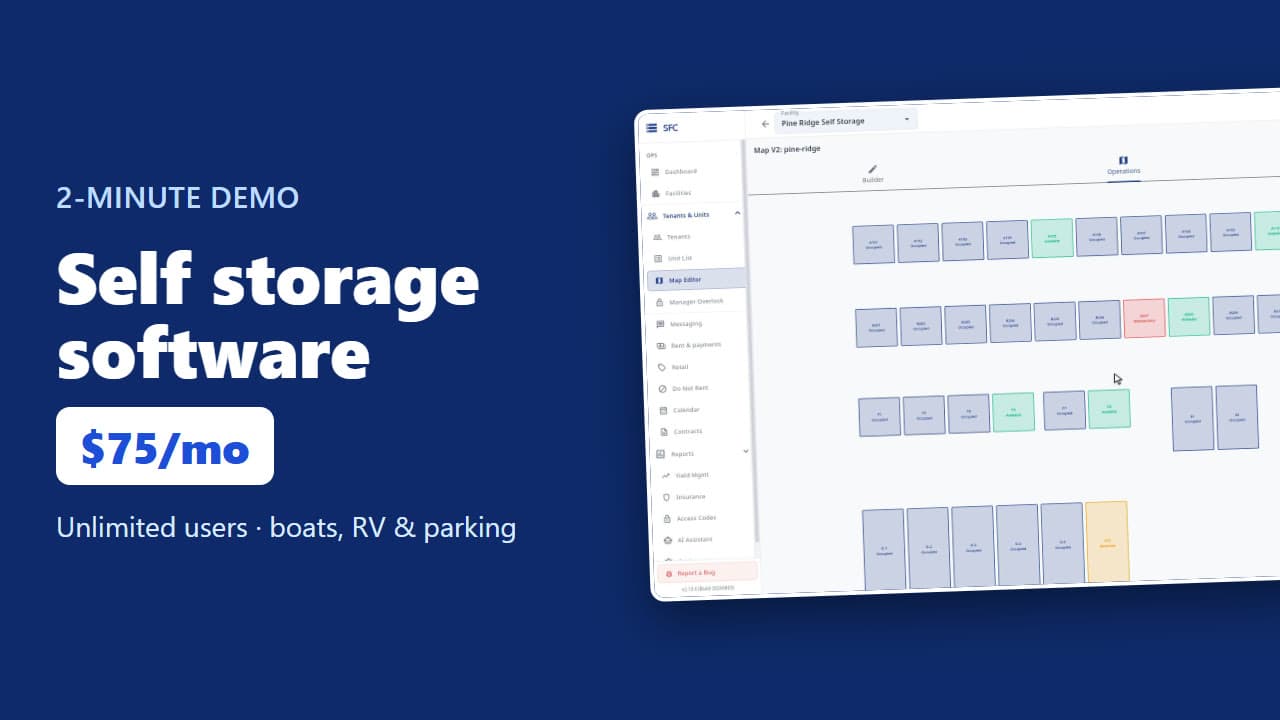 1:53
Self storage software demo in two minutes
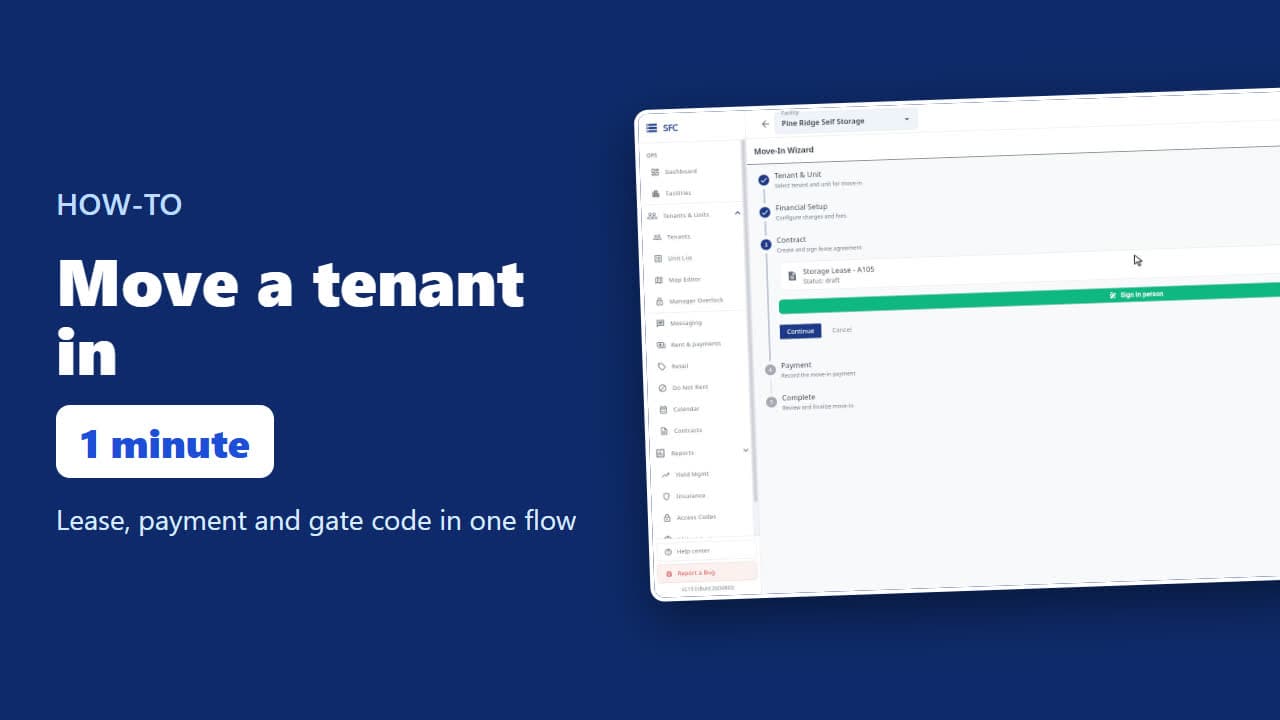 1:24
How to move a tenant in
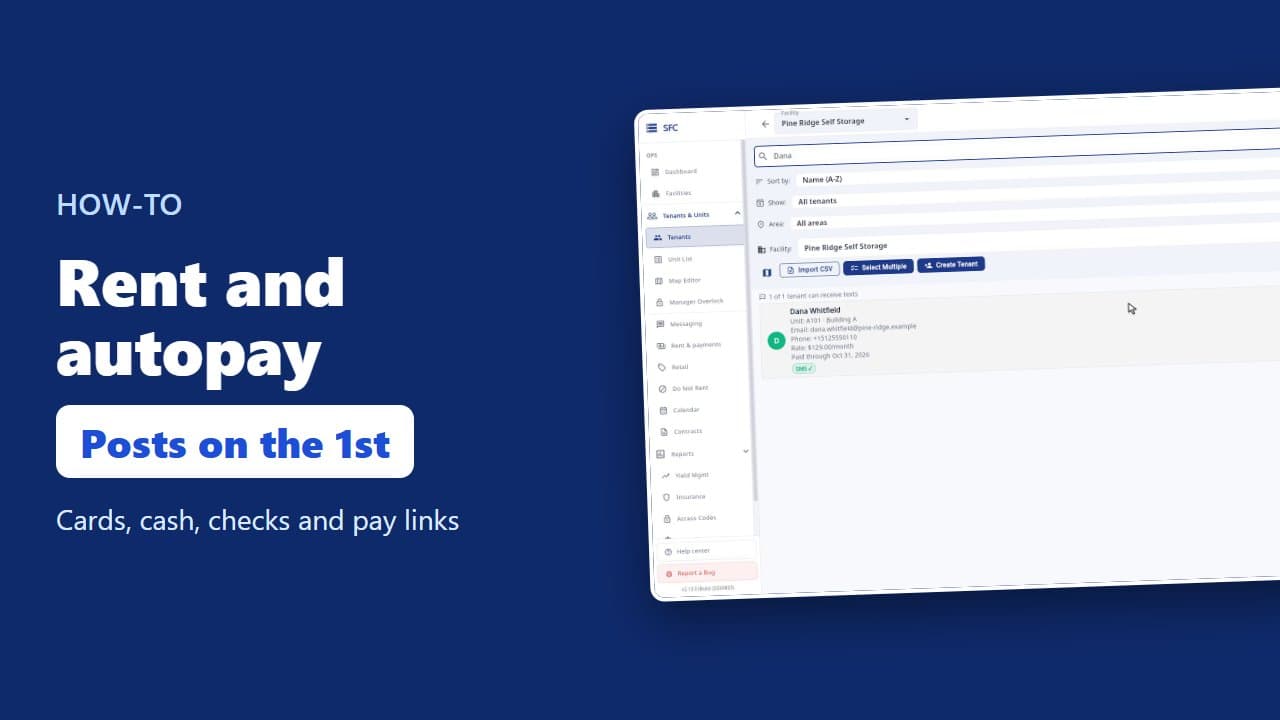 1:26
How to collect rent: autopay, cash and check, pay links
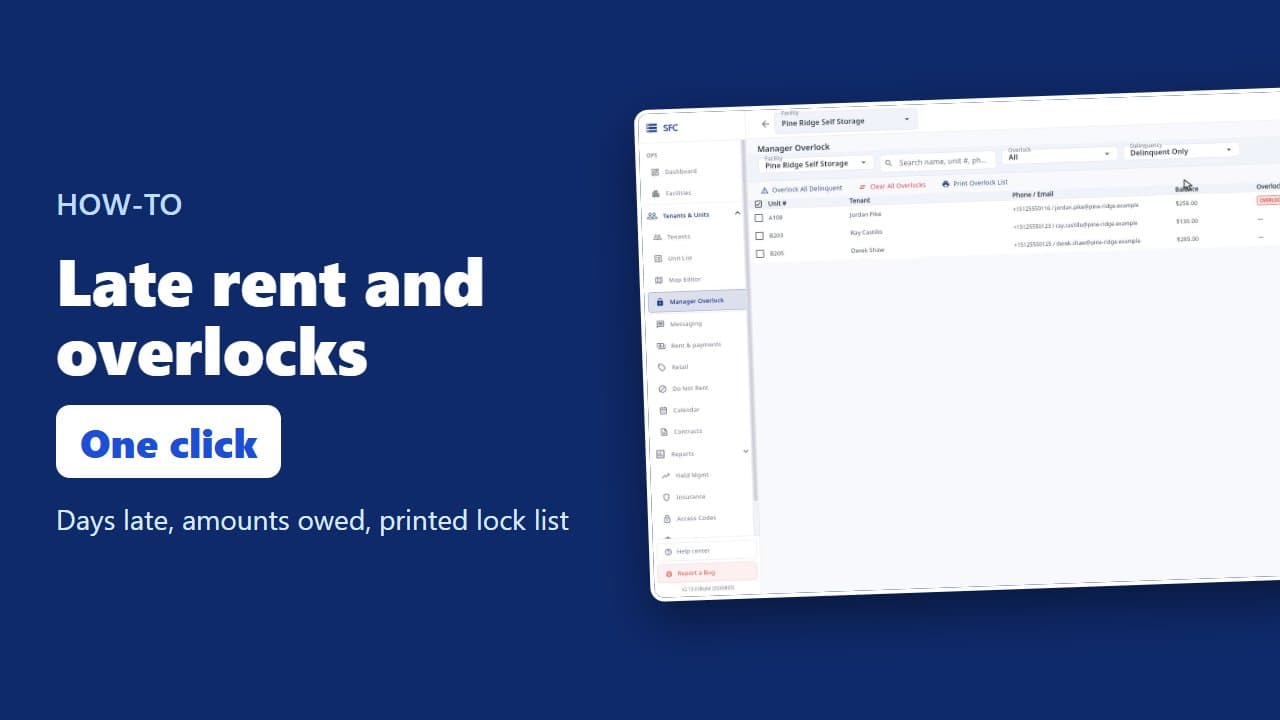 1:20
Late rent: find who is behind and overlock their units
 1:16
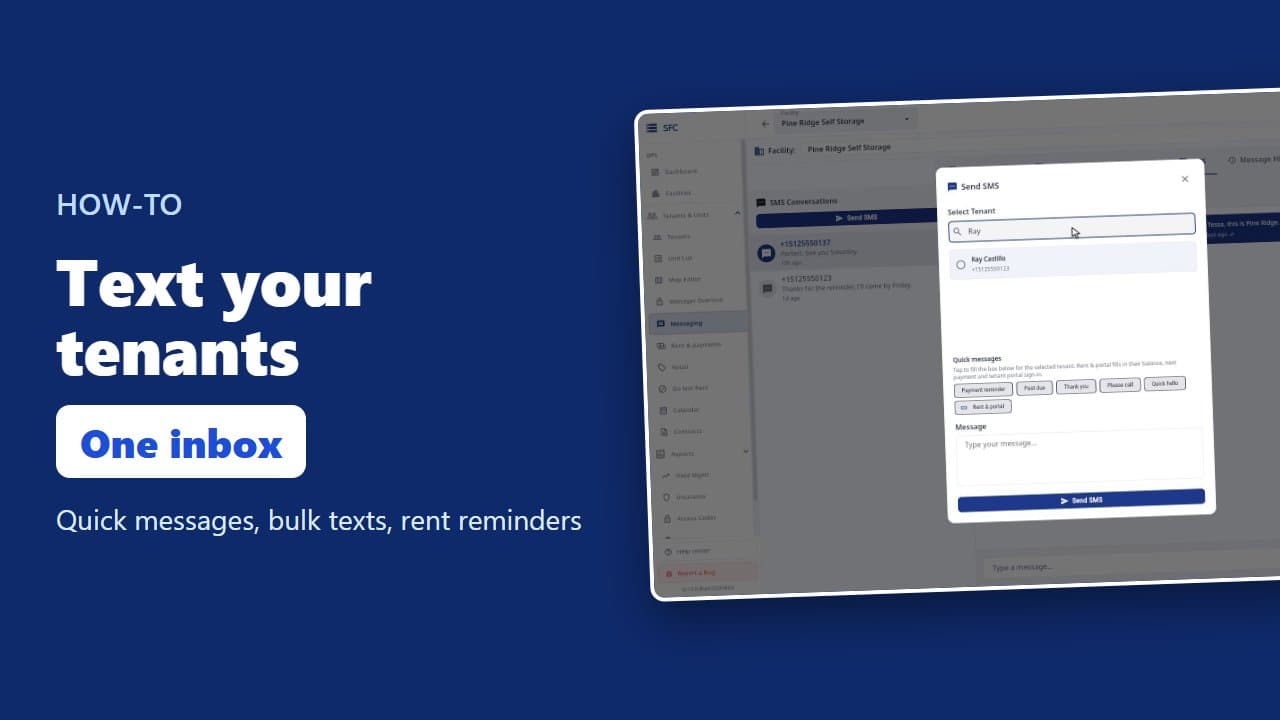
How to text and email your tenants
 1:23
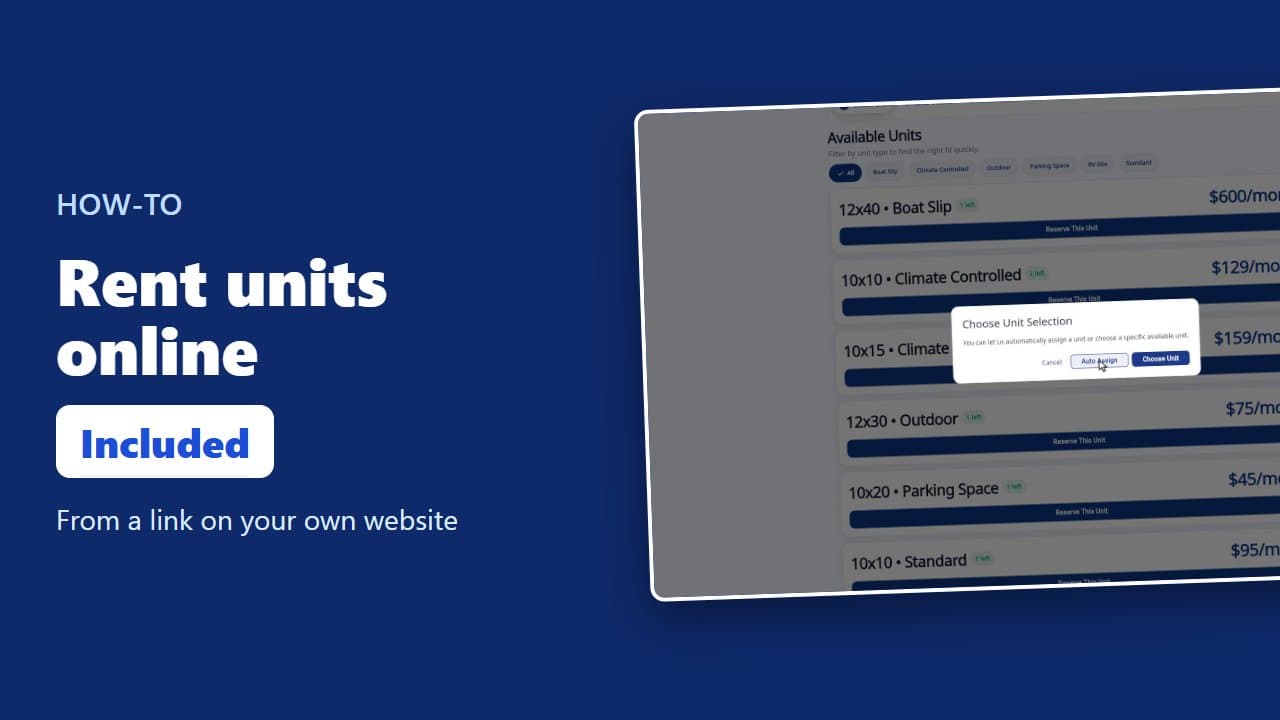
How renters rent a storage unit online
 1:08
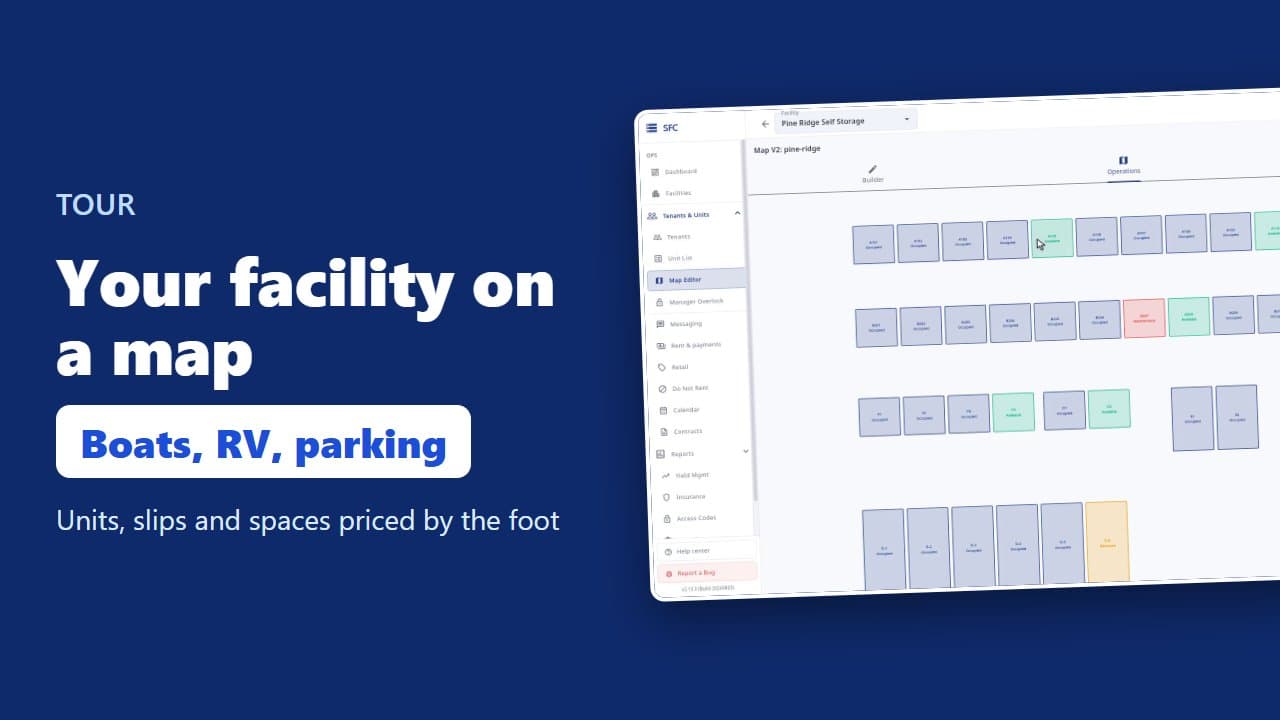
Site map, units, parking, RV sites and boat slips
 1:17
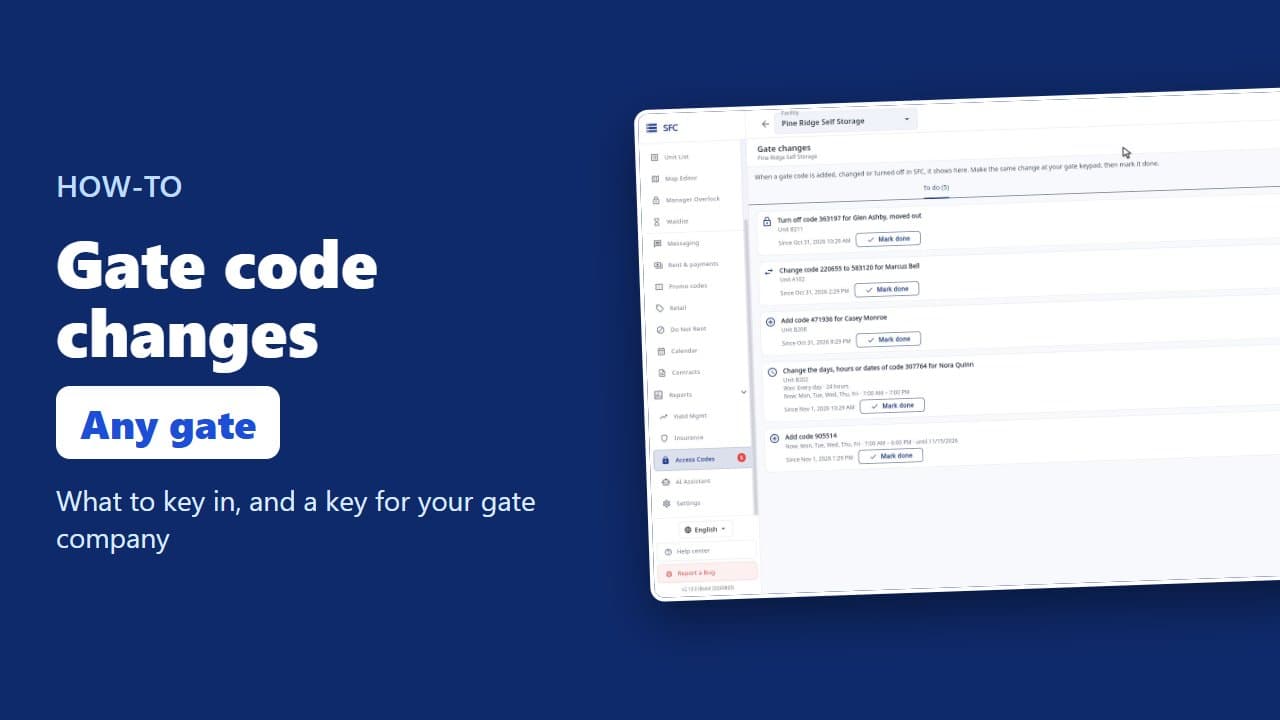
Gate codes and the gate changes list
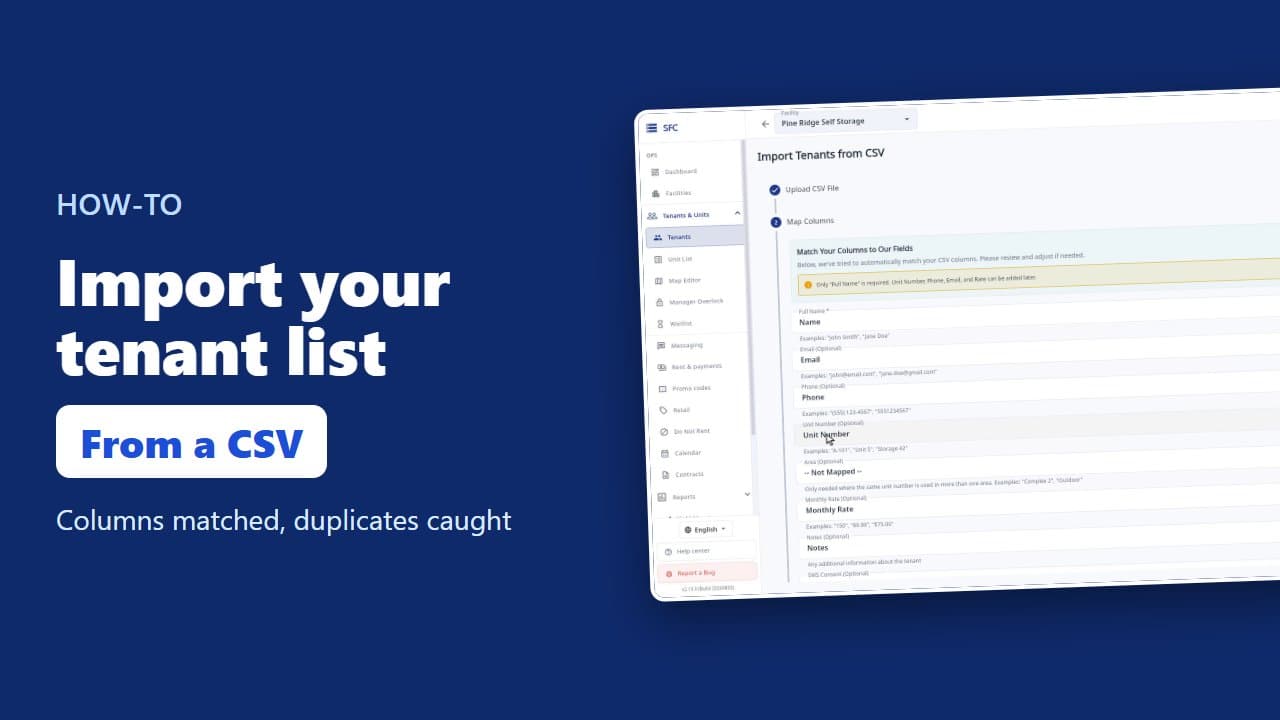 1:18
How to import your tenant list from a spreadsheet
Try it on your own facility
Start a trial, add your units and do it the way the video shows.
No onboarding fee. $75 per facility, per month. Built for self-storage operators.