
Gate codes and the gate changes list
Every tenant's gate code, the Gate changes list of what to enter at your keypad, marking changes done, and a key that lets your gate company's software read your codes.
Runs 1:17. Filmed on Pine Ridge Self Storage, a made-up demo facility with sample data. Nothing loads from YouTube until you press play, or watch it on YouTube.
Transcript
0:00Every tenant's gate code
Every tenant gets a gate code when they move in, and it's turned off on its own when they move out. Access Codes lists every code, with any days, hours or dates it's limited to.
0:12What to enter at your keypad
SFC keeps your codes on file, and you enter them in your own gate controller. So every code that's added, changed or turned off lands on Gate changes, in plain words: what to key in, for whom, and which unit.
0:29Mark it done
Make the change at your keypad, then click Mark done. When the whole list is entered, Mark all done ticks off the rest. The Done tab keeps what was entered and when, and Download CSV saves the list for Excel.
0:47A key for your gate company
Want your gate company's software to read your codes instead? The owner can make it a key. Open Settings, then Gate system, click Create key, and type their name. The key is shown only once.
1:01What the key can do
With it, their software can read your tenants' names, units and gate codes, and mark gate changes as applied. Nothing else. You can revoke a key at any time.
More videos
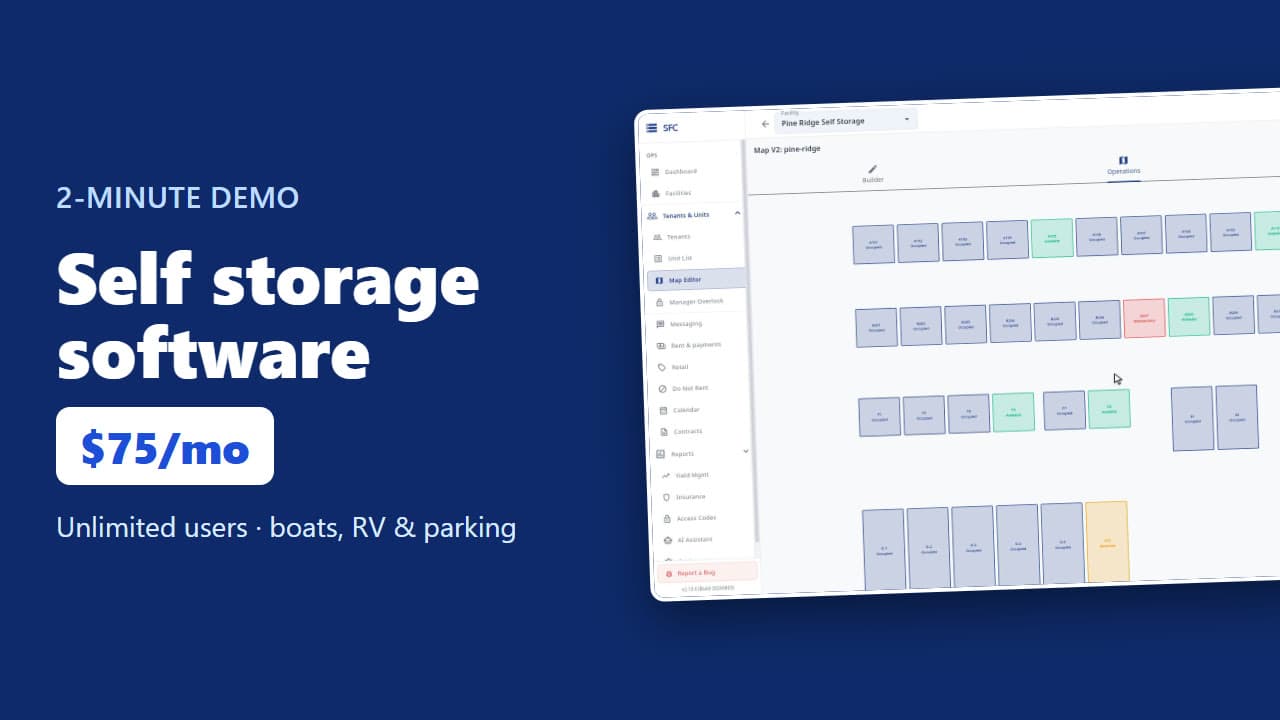 1:53
Self storage software demo in two minutes
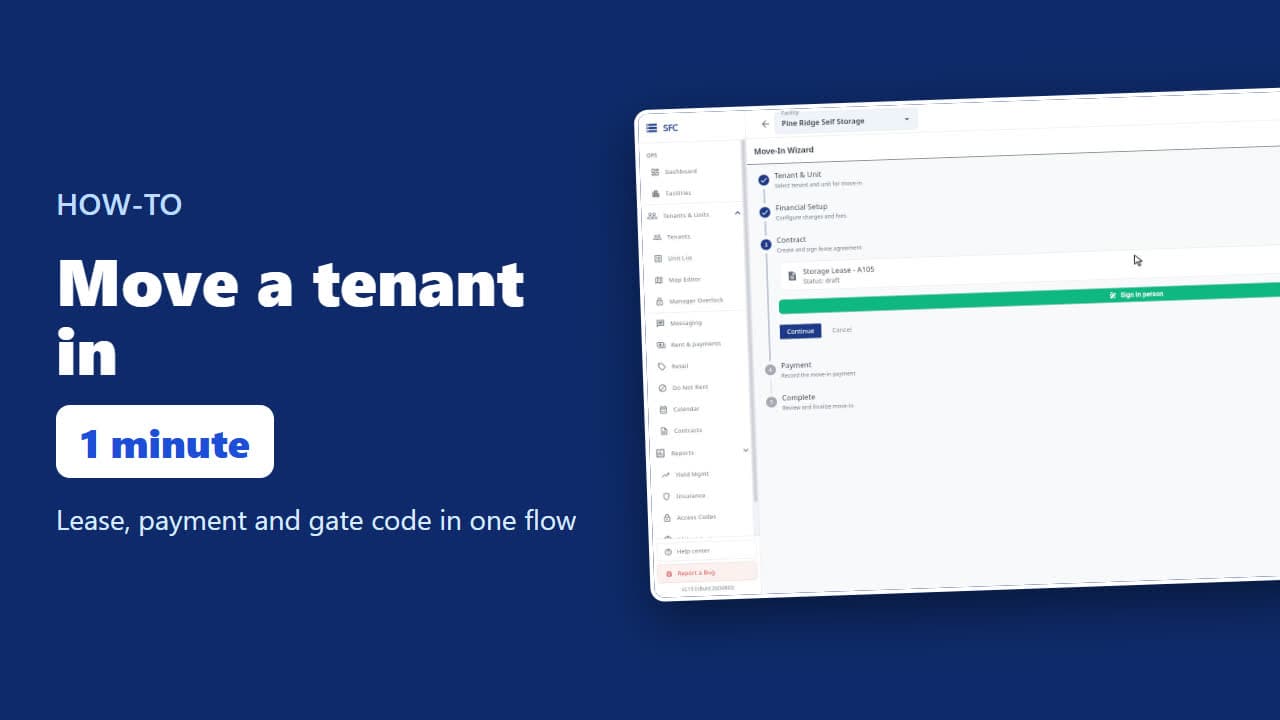 1:24
How to move a tenant in
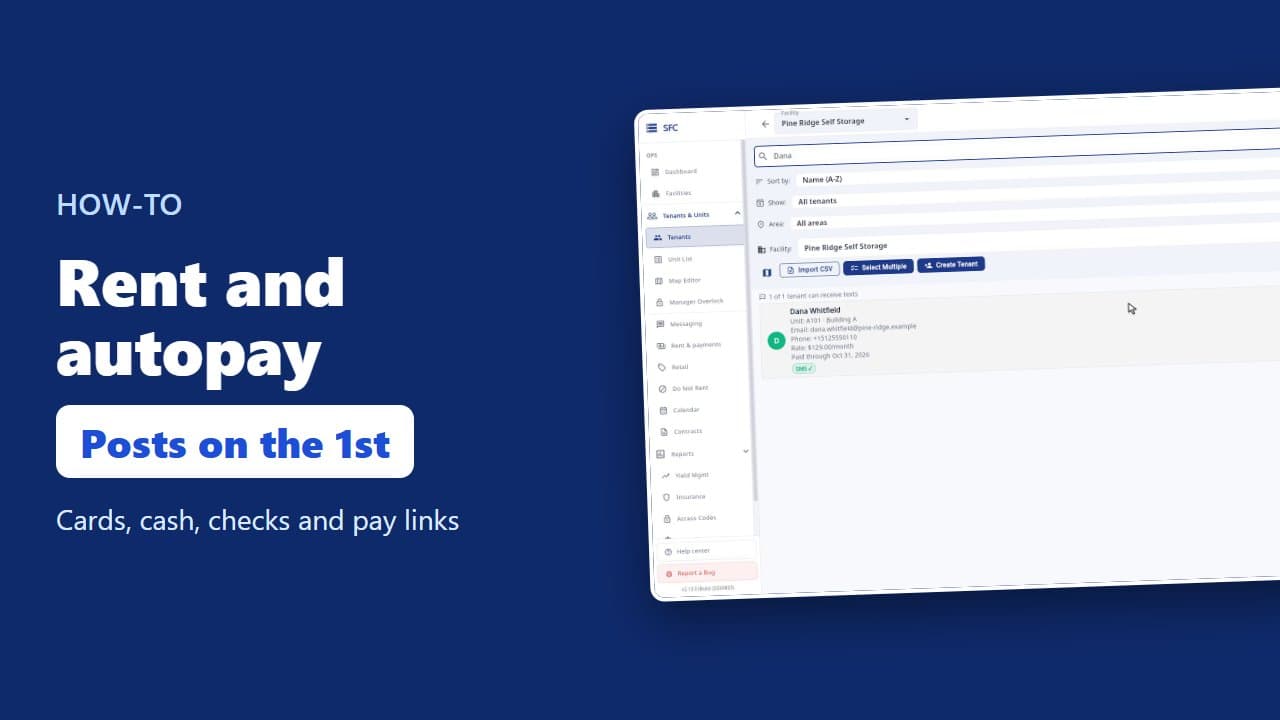 1:26
How to collect rent: autopay, cash and check, pay links
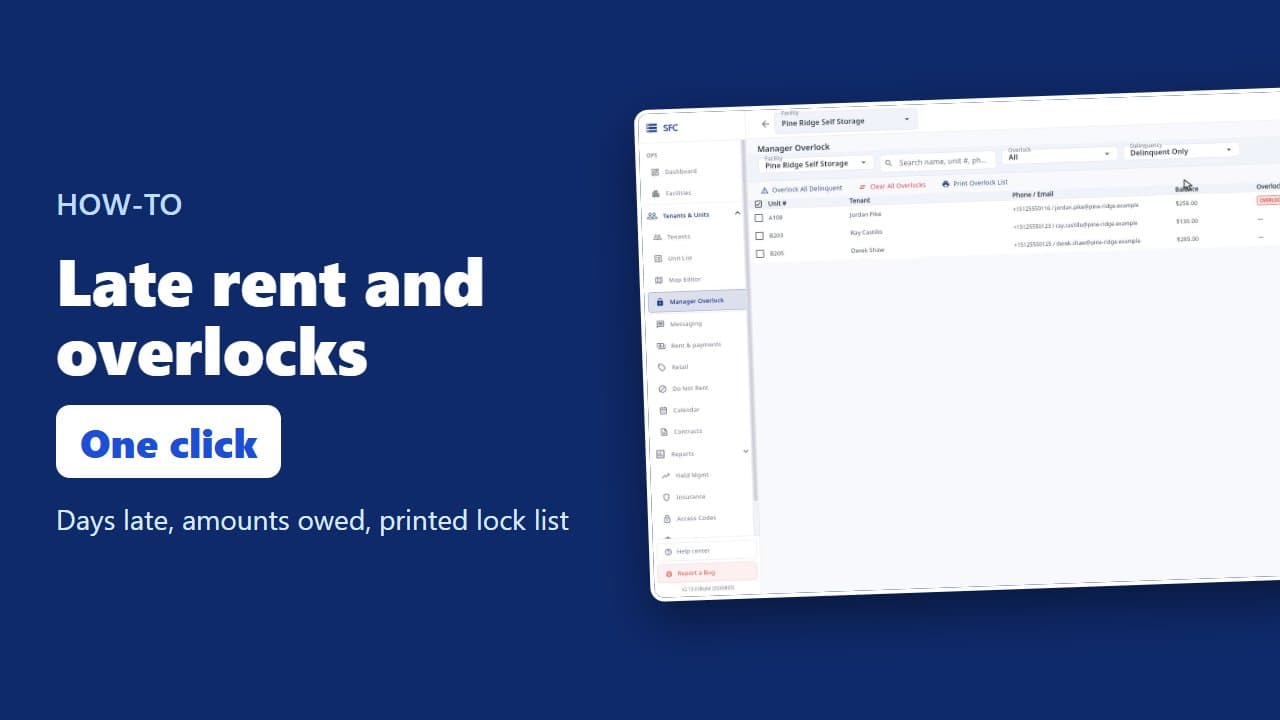 1:20
Late rent: find who is behind and overlock their units
 1:16
How to text and email your tenants
 1:23
How renters rent a storage unit online
 1:08
Site map, units, parking, RV sites and boat slips
 1:35
How to bill tenants on their move-in day
 1:18
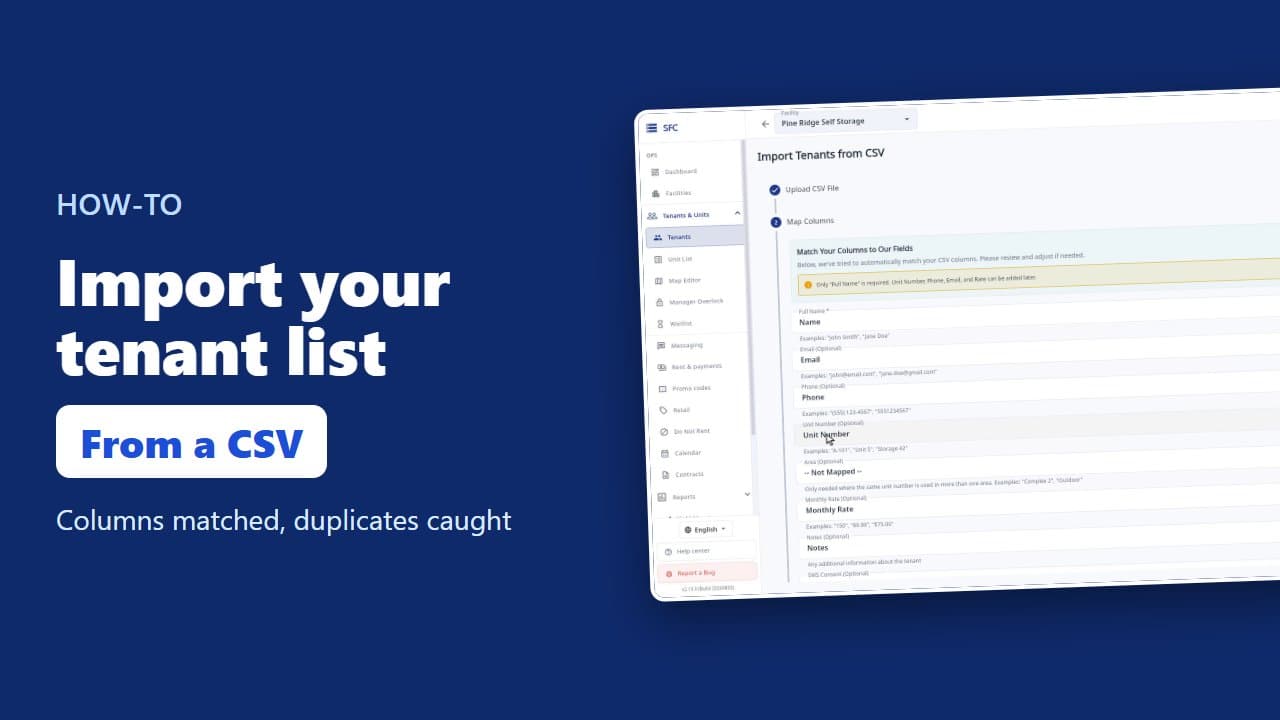
How to import your tenant list from a spreadsheet
Try it on your own facility
Start a trial, add your units and do it the way the video shows.
No onboarding fee. $75 per facility, per month. Built for self-storage operators.