
How renters rent a storage unit online
What renters see on the online rental page, picking a unit, signing and paying, then switching online rentals on and listing the units to offer.
Runs 1:23. Filmed on Pine Ridge Self Storage, a made-up demo facility with sample data. Nothing loads from YouTube until you press play, or watch it on YouTube.
Transcript
0:00What renters see
Renters can pick a unit, sign your lease and pay, all online, from a link on your own website. Here's the page they land on: the units you've listed, with prices if you want them shown.
0:14Pick a unit and fill in details
They pick a unit, or let the app auto-assign one, then enter their email, name and phone. The move-in date is today, and the first month is prorated from there, so nobody gets free days.
0:28Sign and pay
After Continue, they give an emergency contact, read your lease and sign it right on the page, and can tick autopay. Payment goes through Stripe's secure checkout. When it's paid, the move-in shows up in your app, with a gate code already issued.
0:44Switch it on
Turning it on is one screen. Open your facility and edit it. Under Public Rental Links, switch on Enable Public Online Rentals, choose whether to show pricing and exact unit numbers, and copy the Main Rent Link onto your website.
1:03List the units
Then tick List on public website on the units you want offered. That's it. Online rentals are included in the plan, no extra fee, and every renter who signs up this way is a tenant you didn't have to be at the desk for.
More videos
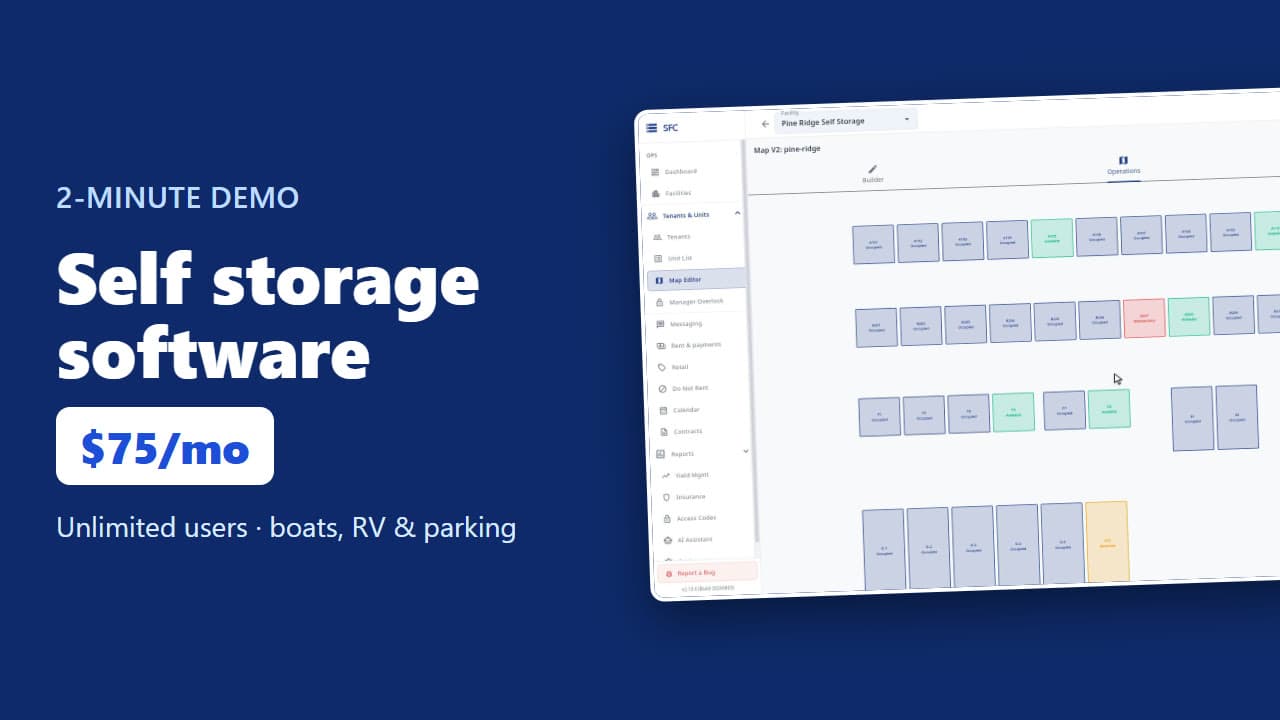 1:53
Self storage software demo in two minutes
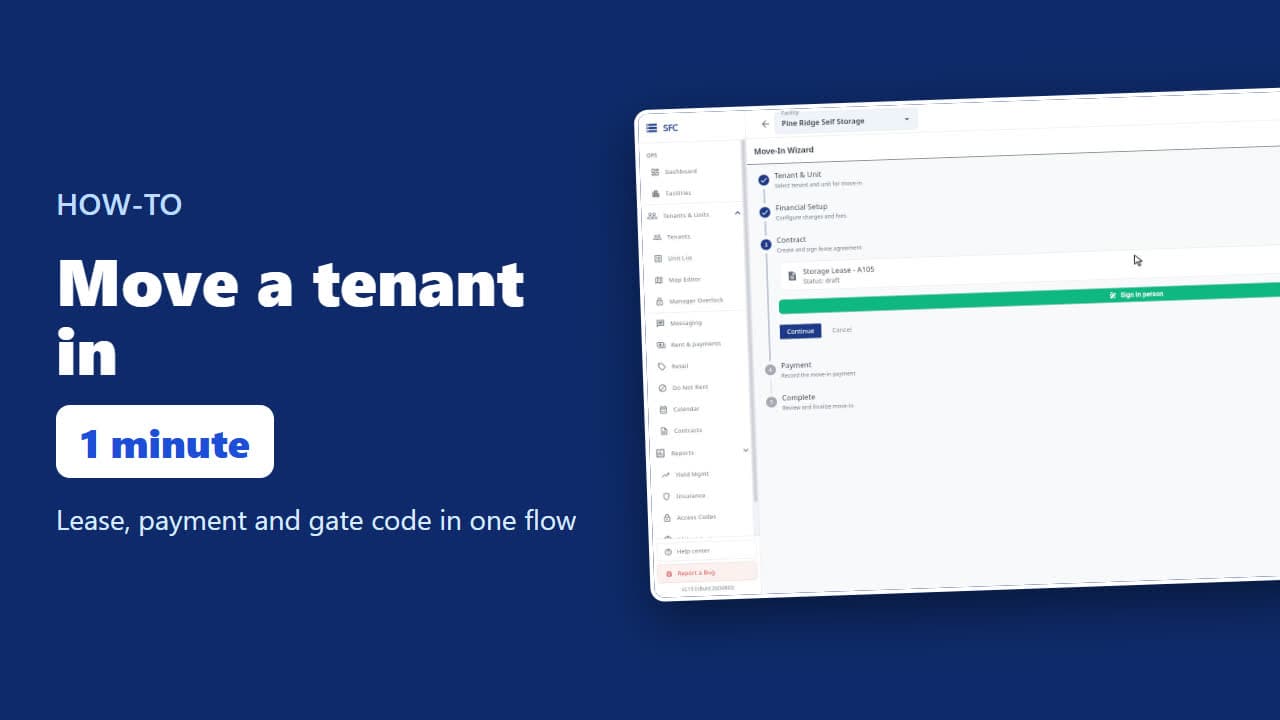 1:24
How to move a tenant in
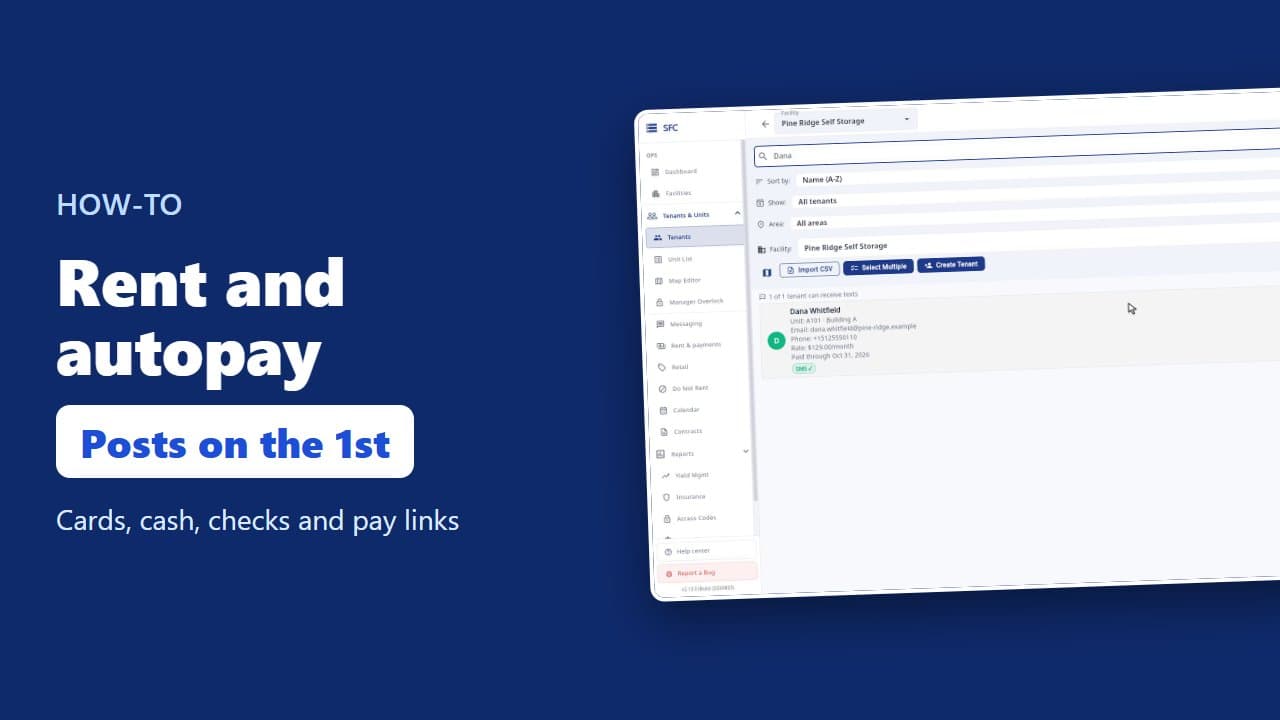 1:26
How to collect rent: autopay, cash and check, pay links
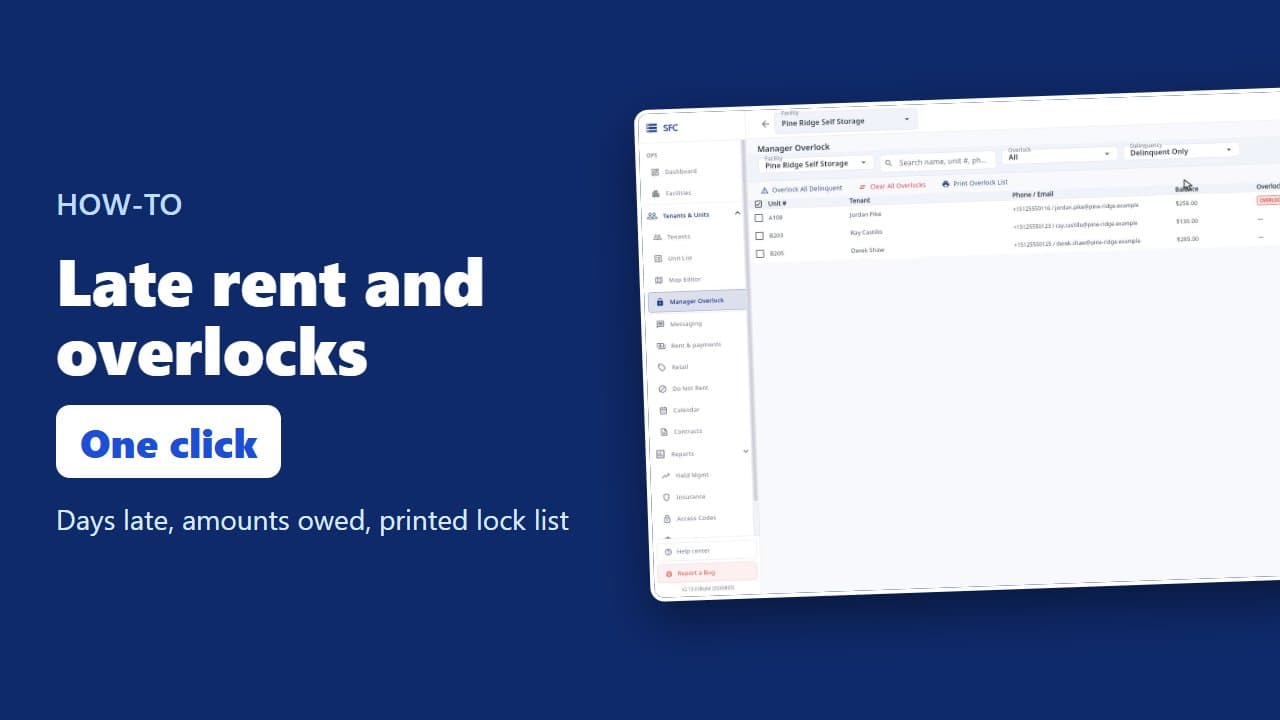 1:20
Late rent: find who is behind and overlock their units
 1:16
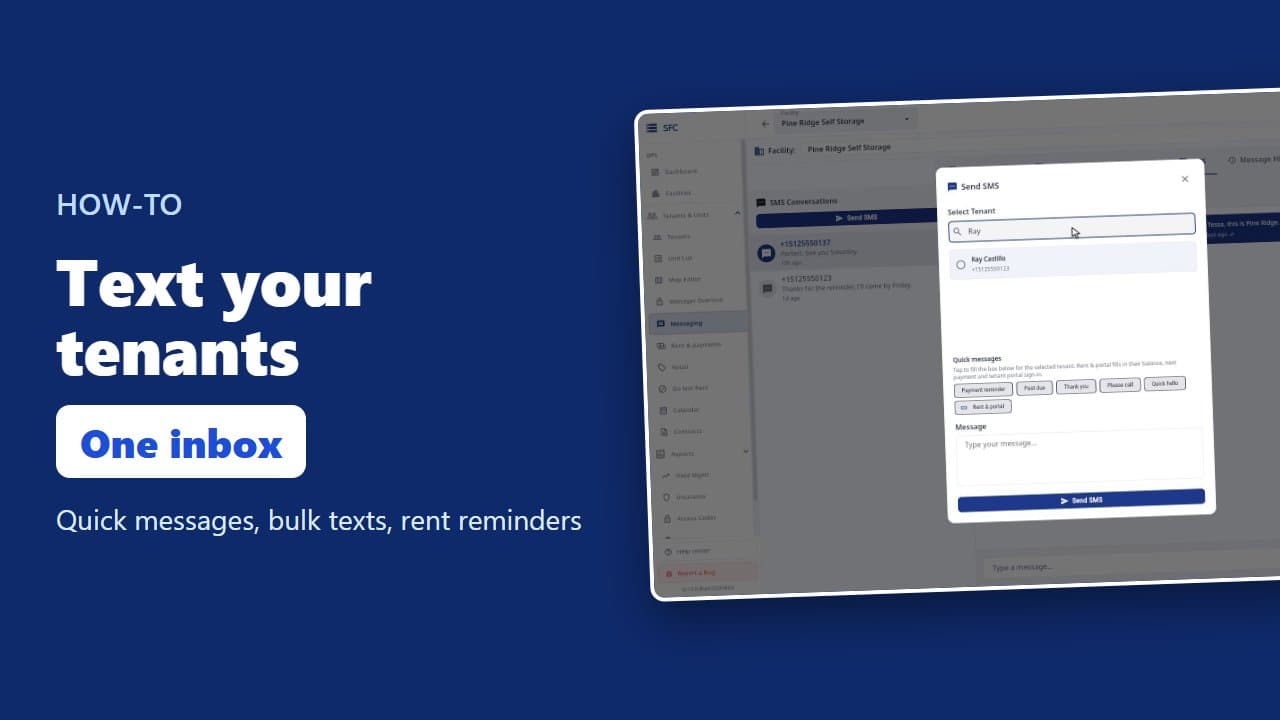
How to text and email your tenants
 1:08
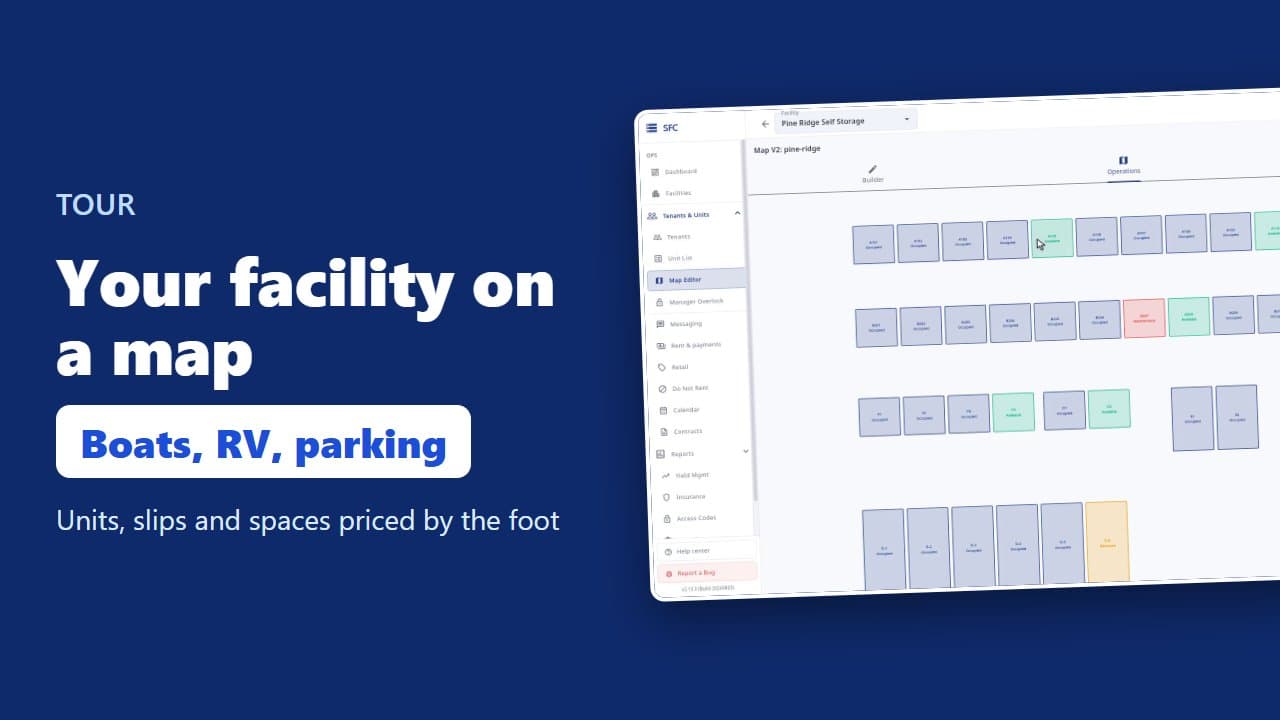
Site map, units, parking, RV sites and boat slips
 1:35
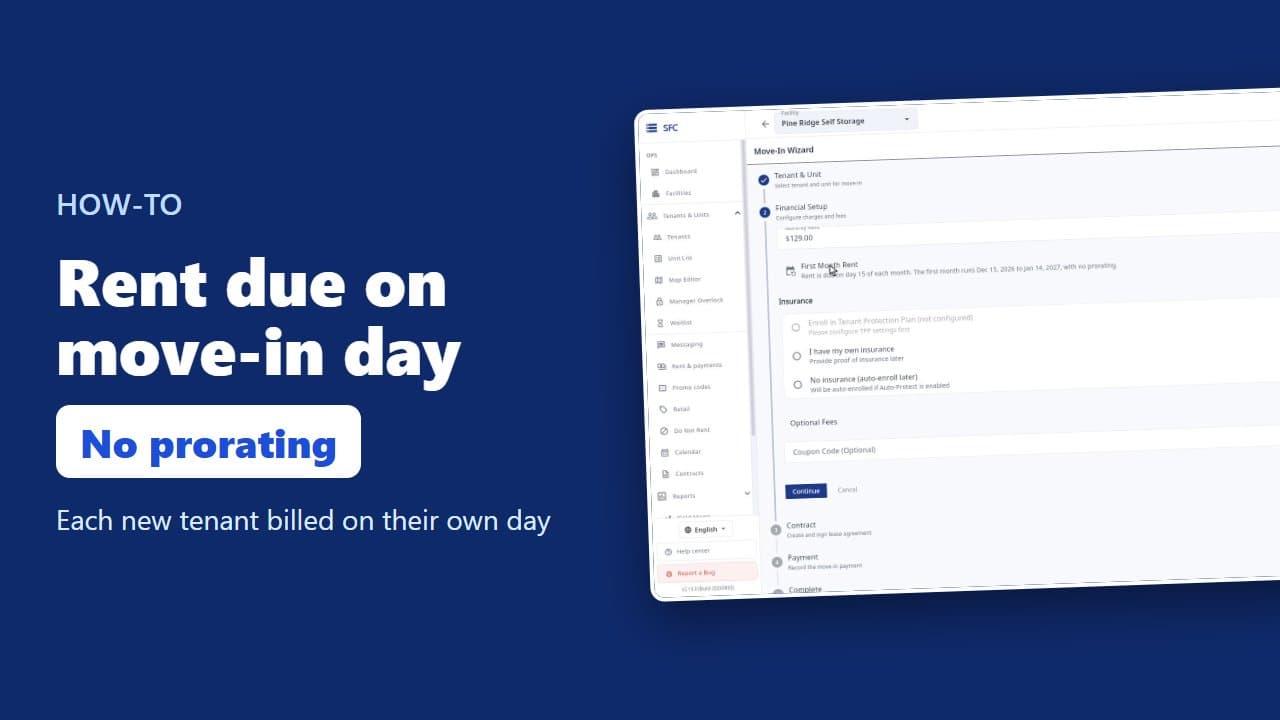
How to bill tenants on their move-in day
 1:17
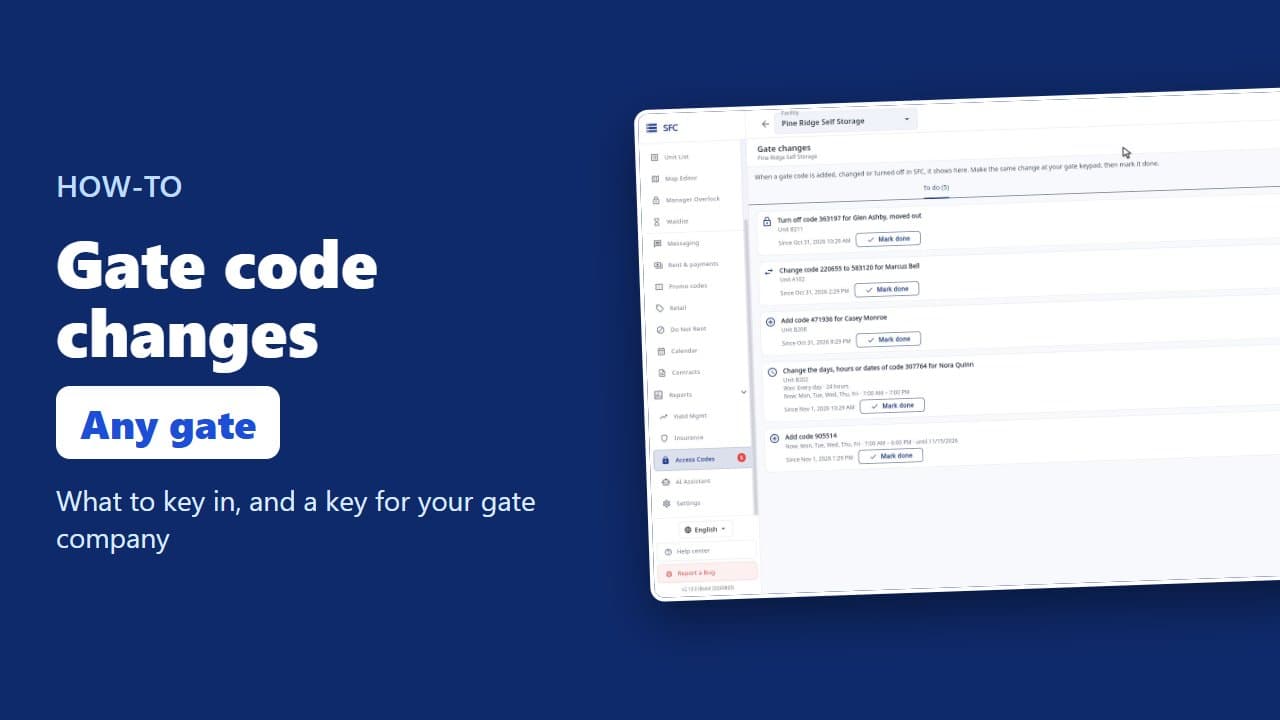
Gate codes and the gate changes list
 1:18
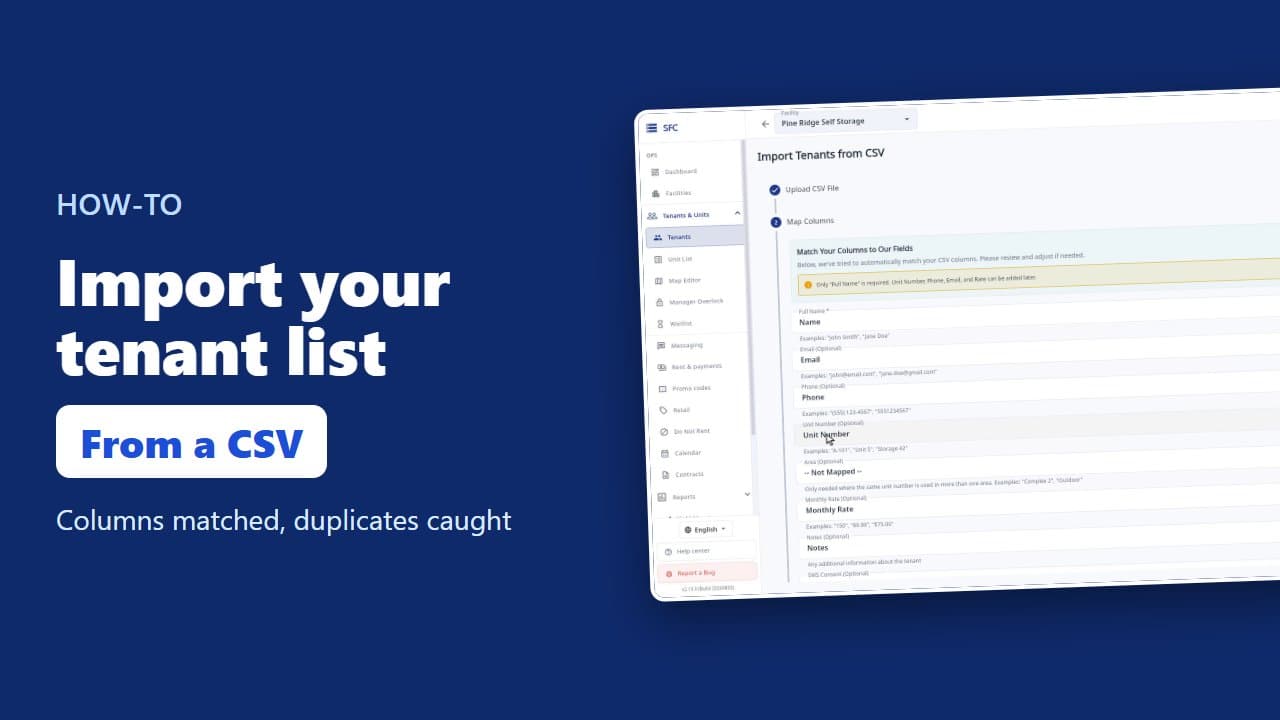
How to import your tenant list from a spreadsheet
Try it on your own facility
Start a trial, add your units and do it the way the video shows.
No onboarding fee. $75 per facility, per month. Built for self-storage operators.