
How to text and email your tenants
One inbox for tenant texts: send a text, send one message to many tenants, see who agreed to texts and who opted out, and switch on rent reminders.
Runs 1:16. Filmed on Pine Ridge Self Storage, a made-up demo facility with sample data. Nothing loads from YouTube until you press play, or watch it on YouTube.
Transcript
0:00One inbox for texts
Texting tenants from Storage Facility Creator takes a few clicks. Open Messaging, then SMS. Every conversation is here, and when a tenant replies, it lands in the same place.
0:14Send a text
To send one, click Send SMS and pick the tenant. Write the message, or tap a quick message like Past due, or Rent and portal, which drops in their pay link. Then Send.
0:28Bulk messages
Need to reach everyone? Bulk Messaging sends one email or text to the tenants you pick. Rate changes, gate work, holiday hours. Pick the channel, write it once, choose who gets it.
0:42Consent and opt-outs
Texts only go to tenants who've agreed to them, from a toll-free number, and STOP replies are handled for you. The Tenants screen shows at a glance who can receive texts.
0:56Rent reminders
And rent reminders can go out on their own, a few days before the first, by email or text. Switch them on under Settings, Notifications, and pick the days in advance and the channel. One less thing to remember.
More videos
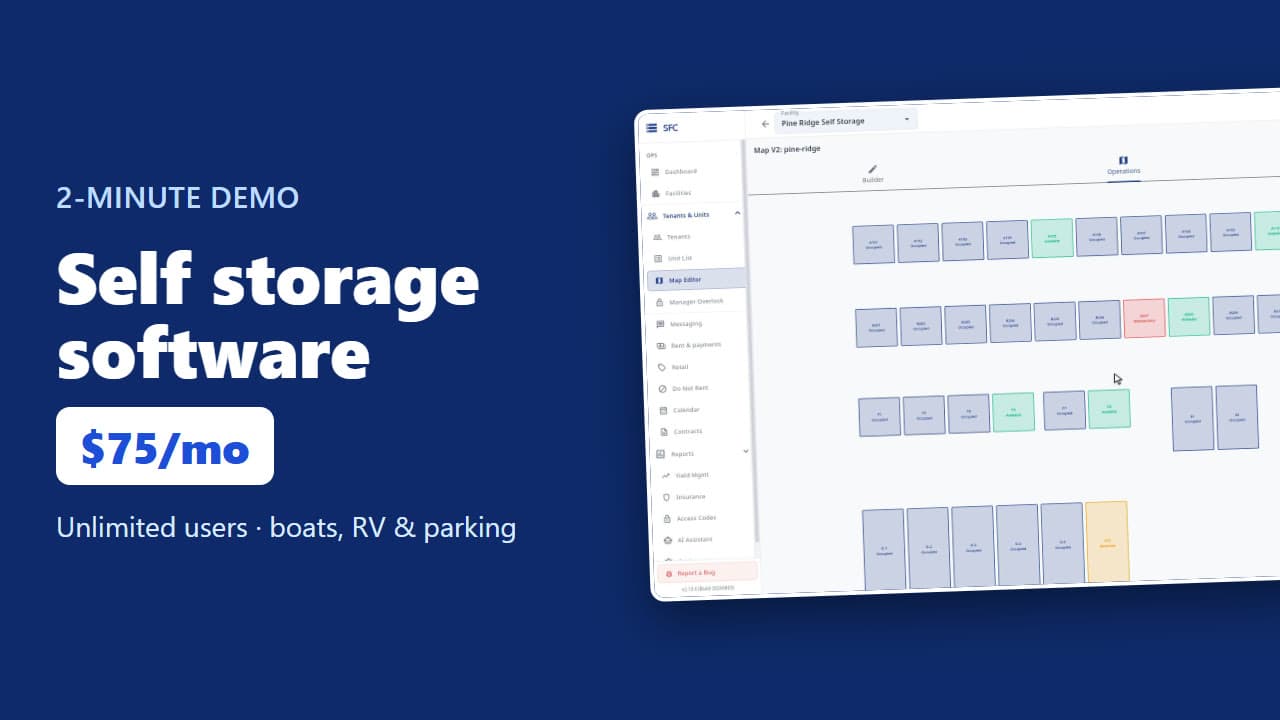 1:53
Self storage software demo in two minutes
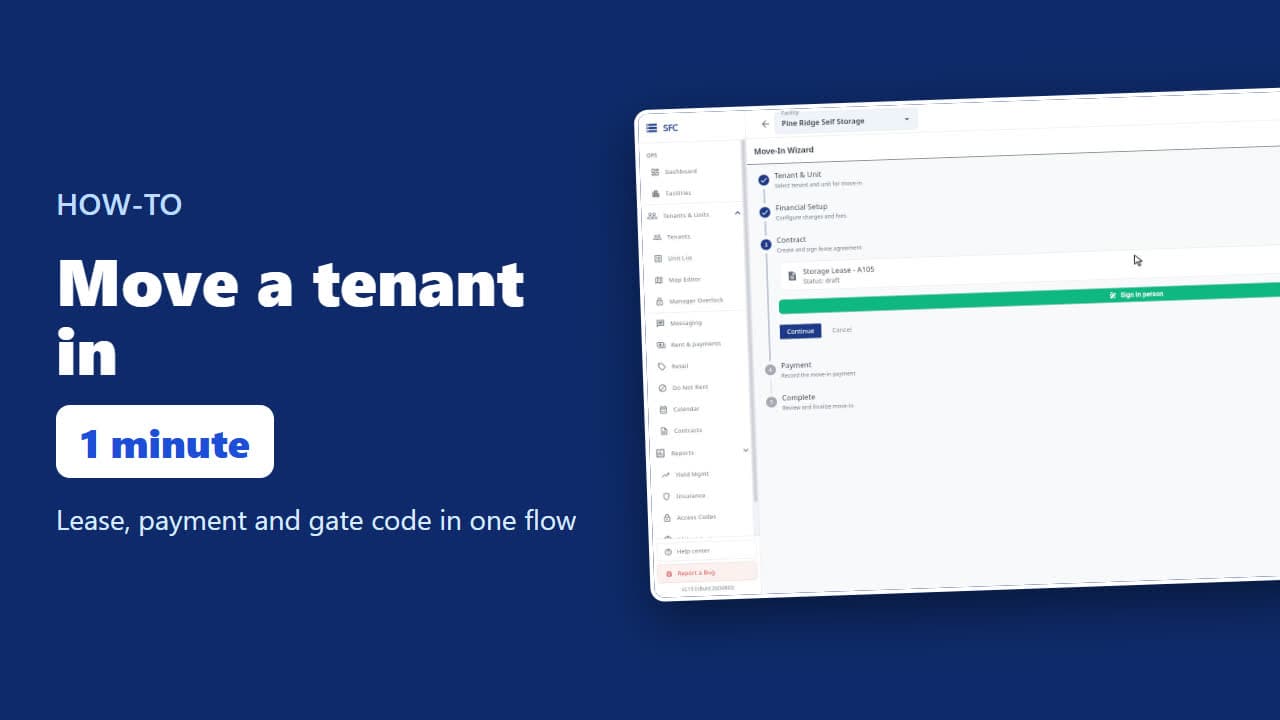 1:24
How to move a tenant in
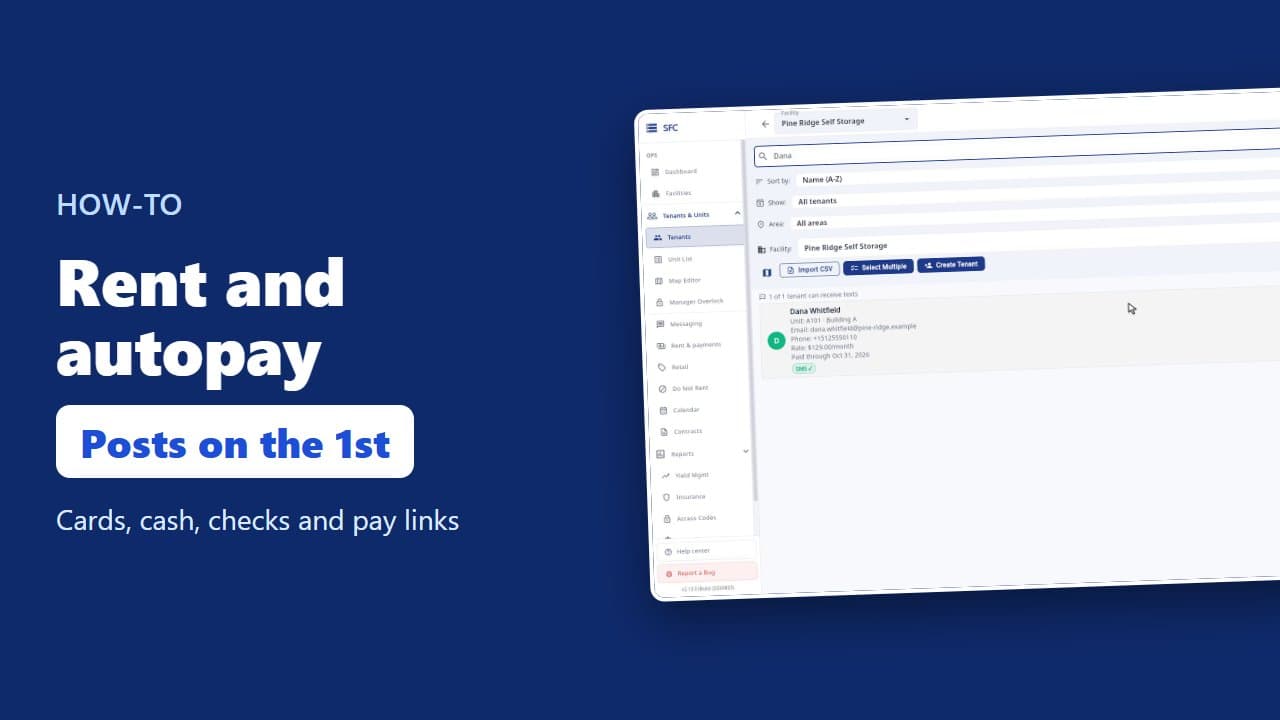 1:26
How to collect rent: autopay, cash and check, pay links
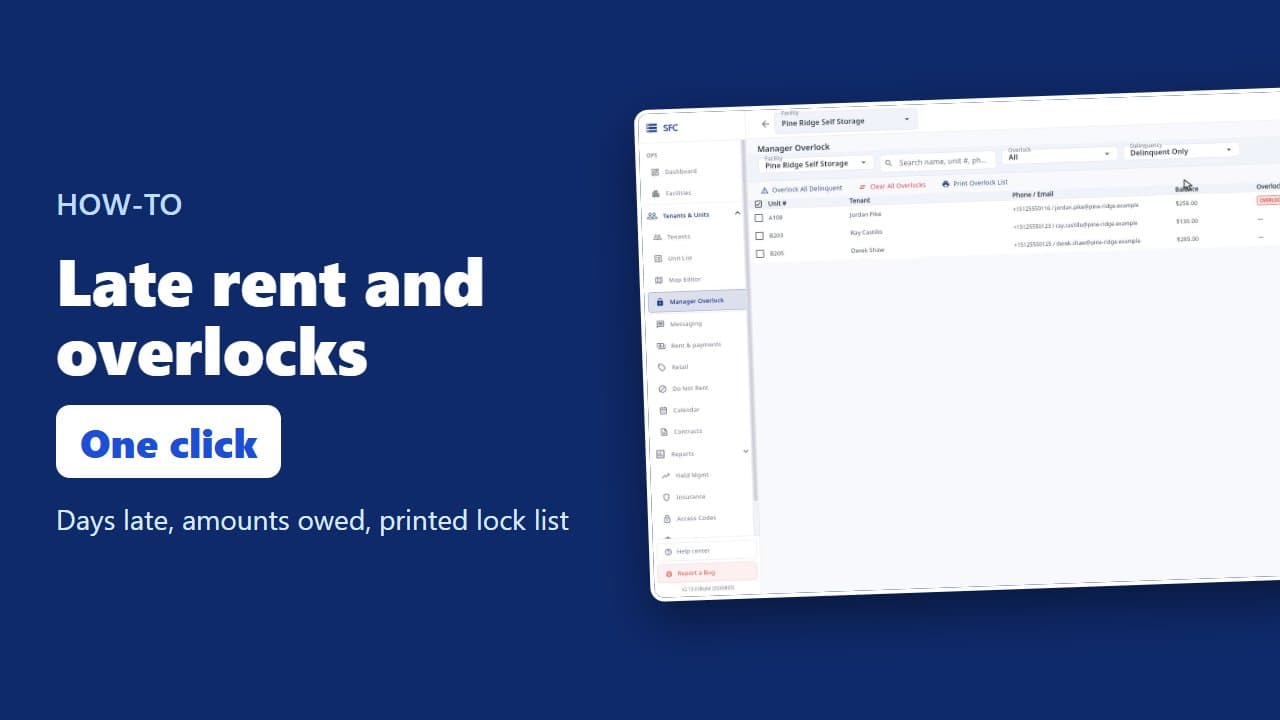 1:20
Late rent: find who is behind and overlock their units
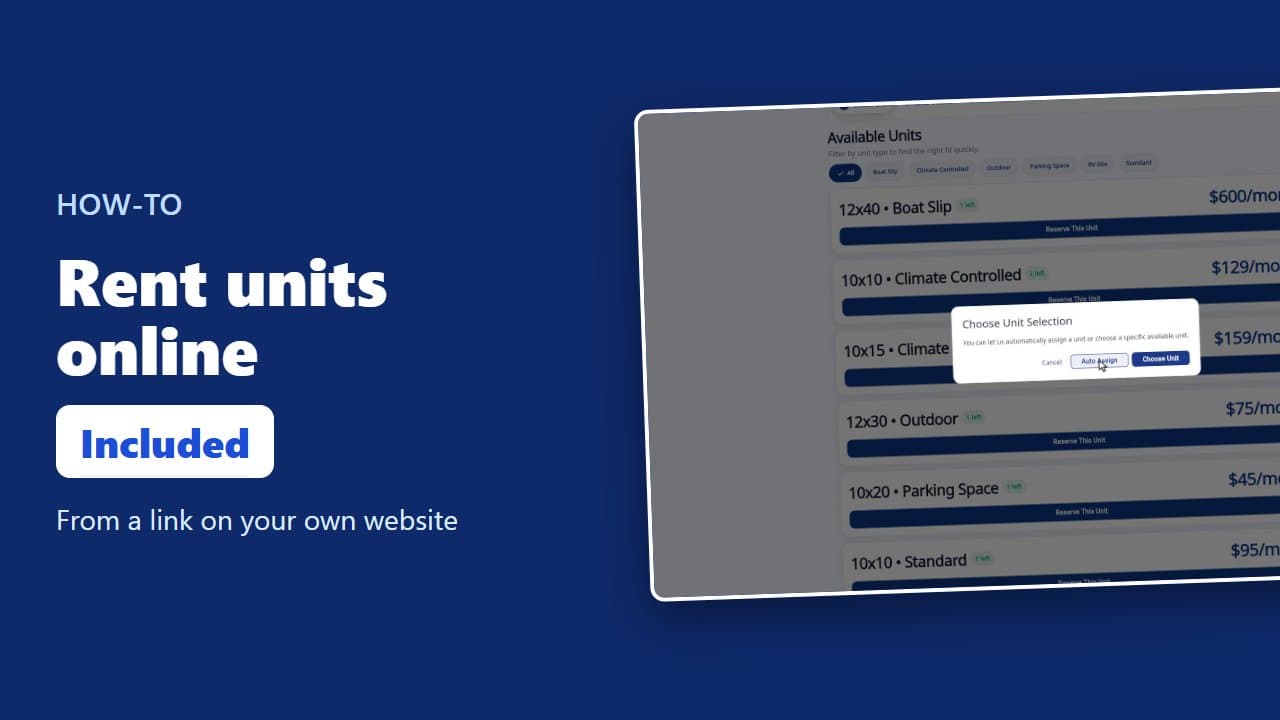 1:23
How renters rent a storage unit online
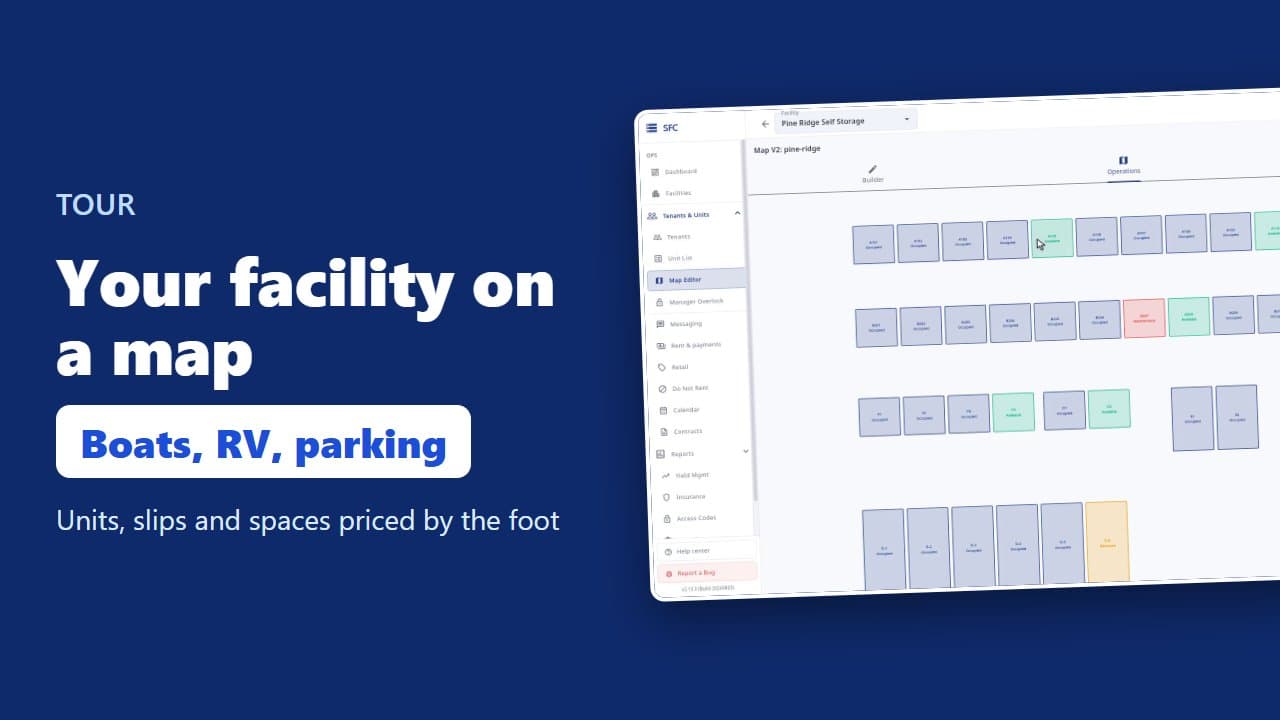 1:08
Site map, units, parking, RV sites and boat slips
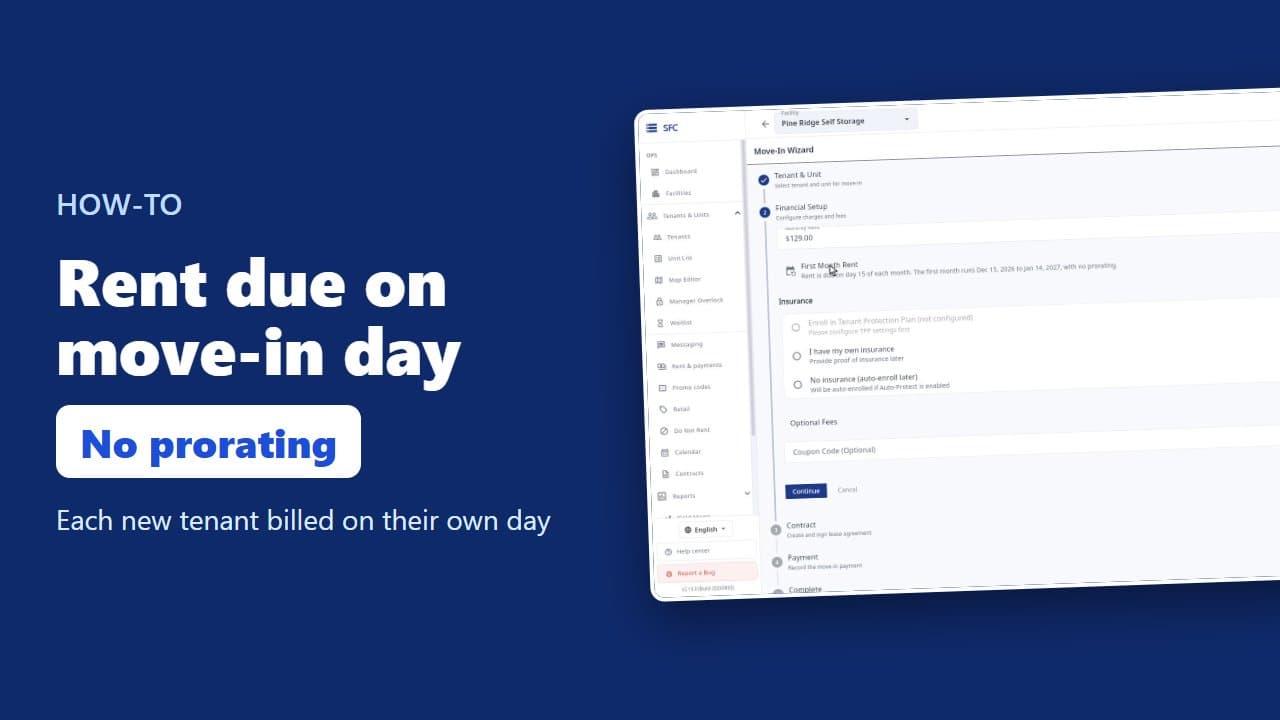 1:35
How to bill tenants on their move-in day
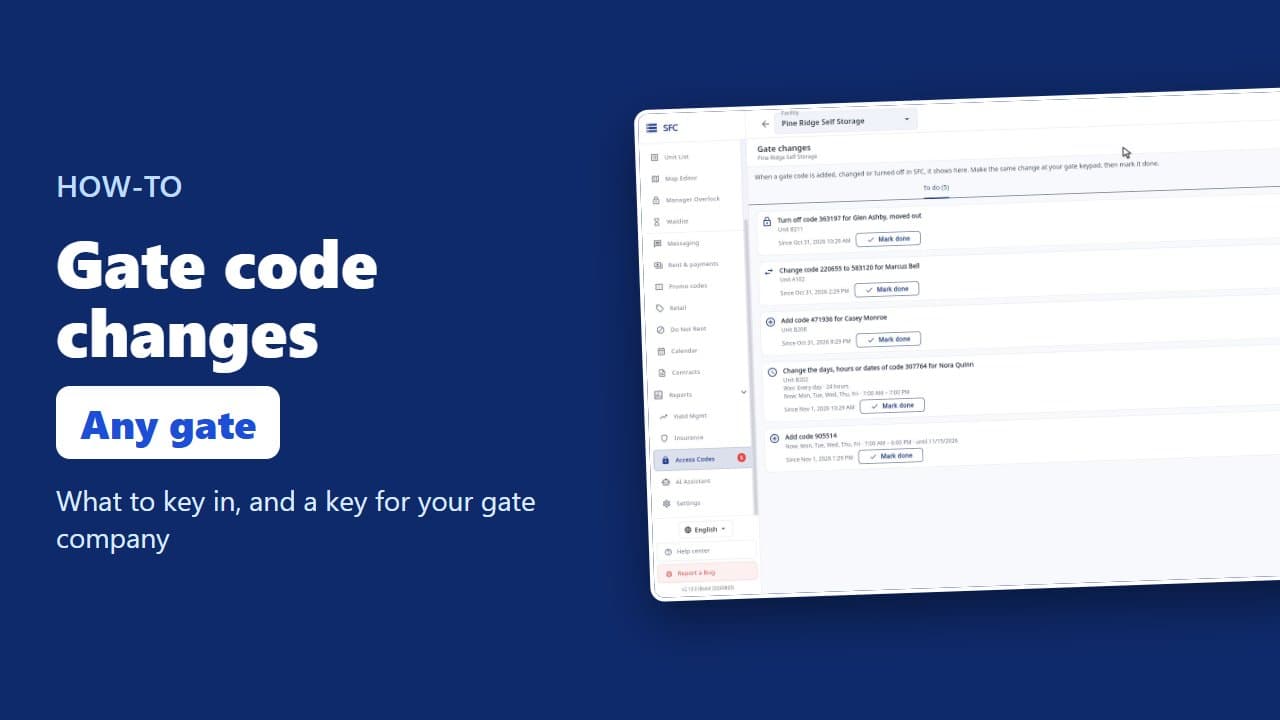 1:17
Gate codes and the gate changes list
 1:18
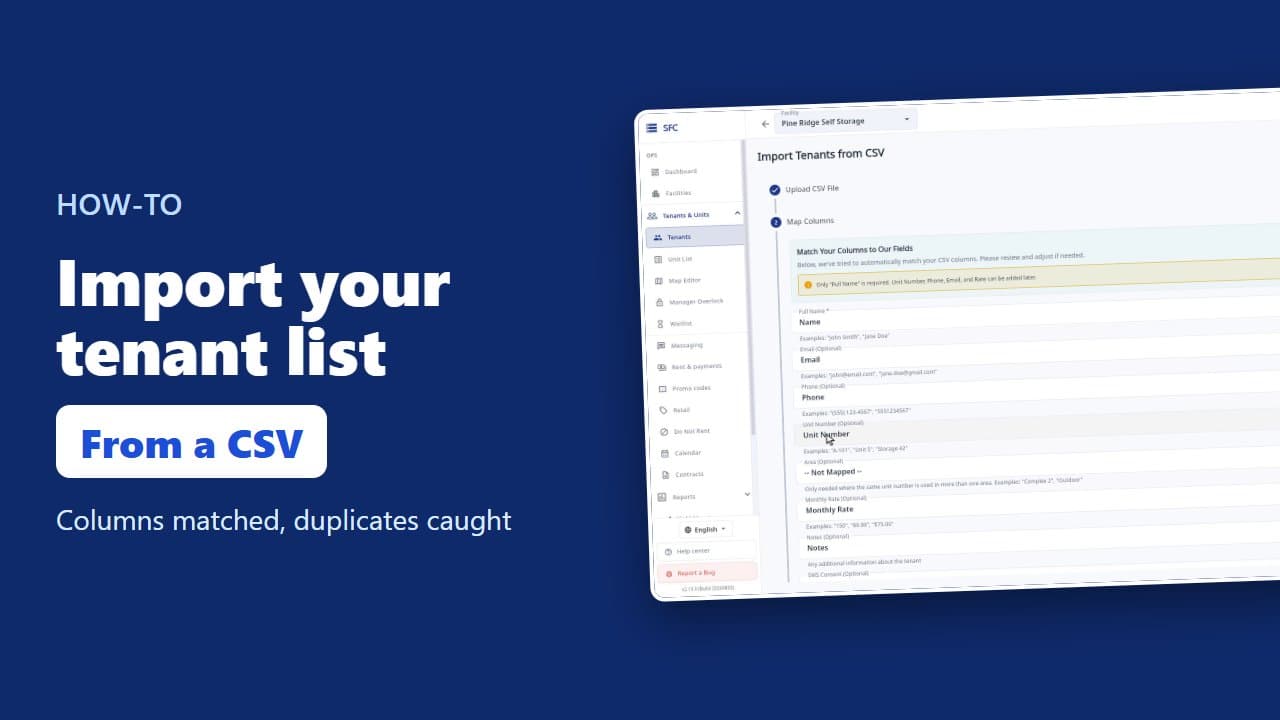
How to import your tenant list from a spreadsheet
Try it on your own facility
Start a trial, add your units and do it the way the video shows.
No onboarding fee. $75 per facility, per month. Built for self-storage operators.