
Site map, units, parking, RV sites and boat slips
The site map colored by status, one Unit List for storage units, parking, RV sites and boat slips, pricing slips by the foot, and building the map.
Runs 1:08. Filmed on Pine Ridge Self Storage, a made-up demo facility with sample data. Nothing loads from YouTube until you press play, or watch it on YouTube.
Transcript
0:00The site map
Every space at your facility sits on a site map, colored by status: green is open, red is overlocked, purple is out for maintenance. So you see what's available at a glance, and so does your staff.
0:14One list for every kind of space
Storage units, parking spaces, RV sites and boat slips all live in one Unit List, with the size, the rate, the status and who's in it. Filter by building, mark a unit for maintenance, or take one out of service.
0:31Price slips by the foot
Boat slips and parking can be priced by the foot. Set the unit type, enter the length and the price per foot, and the monthly rate works itself out. Change the price per foot later, and that slip reprices when you save.
0:46Building the map
Building the map is drag and drop. Starter row drops a row of boxes already linked to your units. Drag them into place, snap to grid, and lock positions so nobody nudges one by accident. Then print it, or export it as a picture for the office wall.
More videos
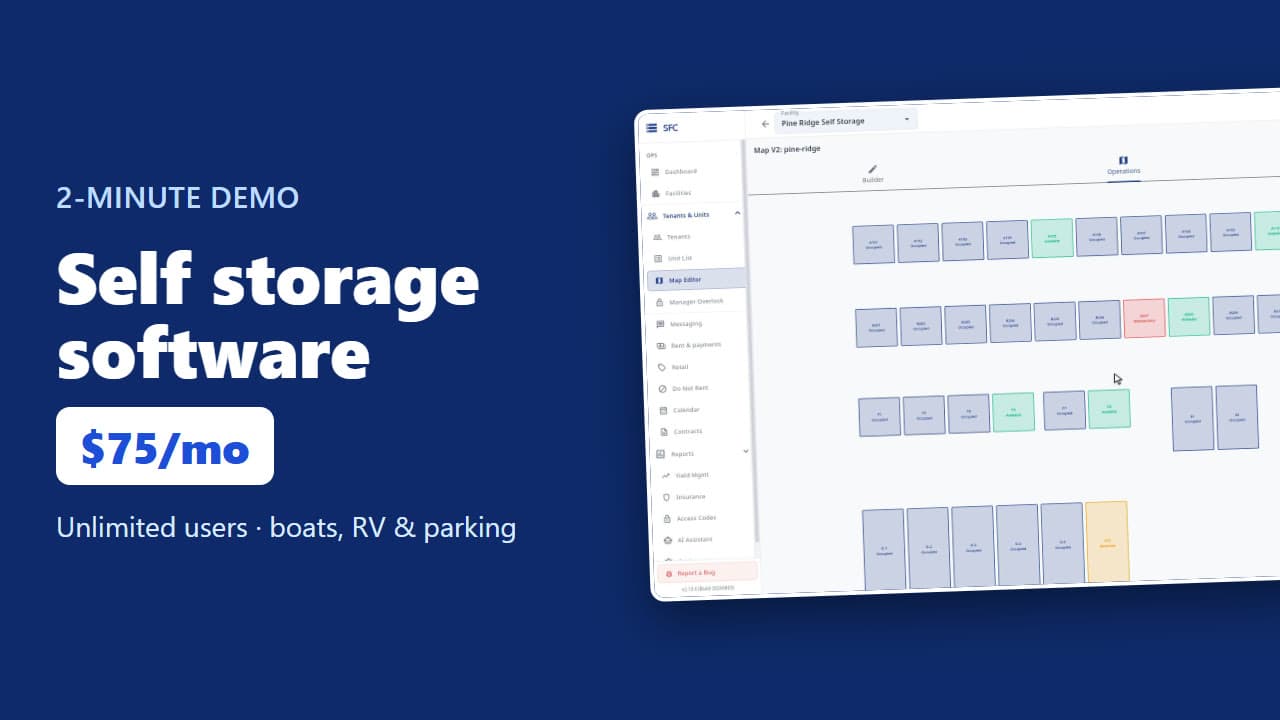 1:53
Self storage software demo in two minutes
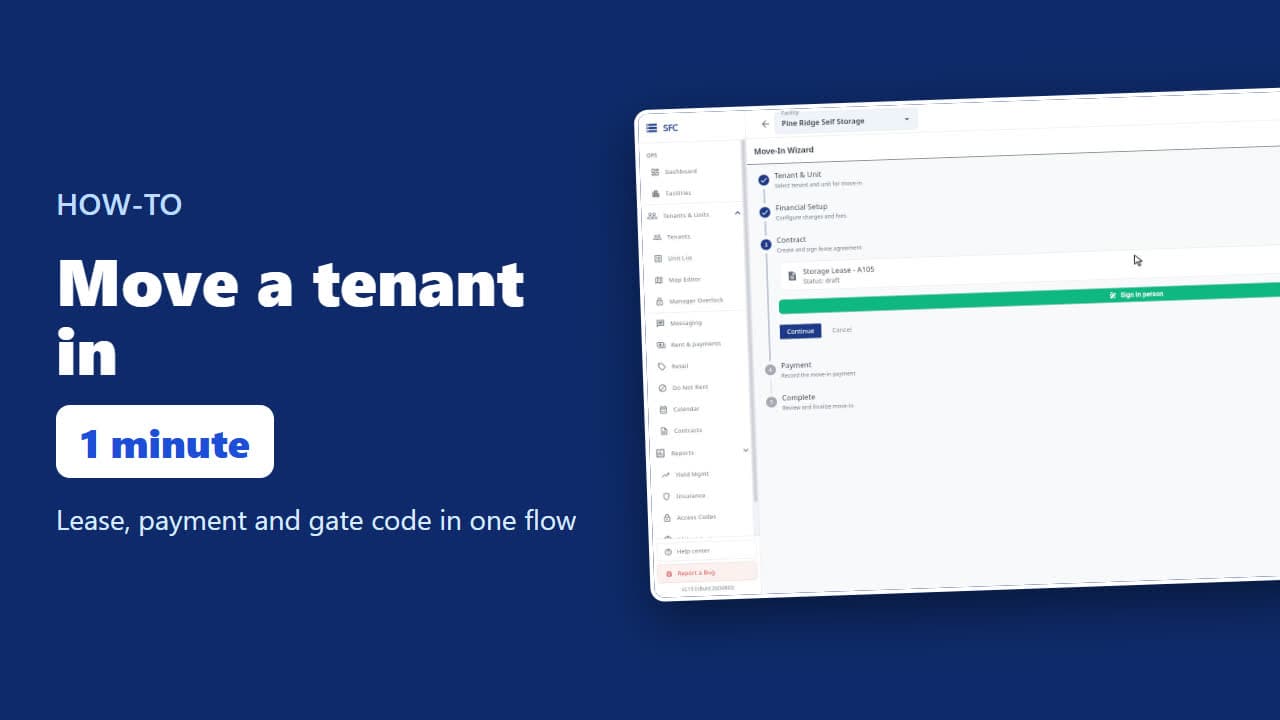 1:24
How to move a tenant in
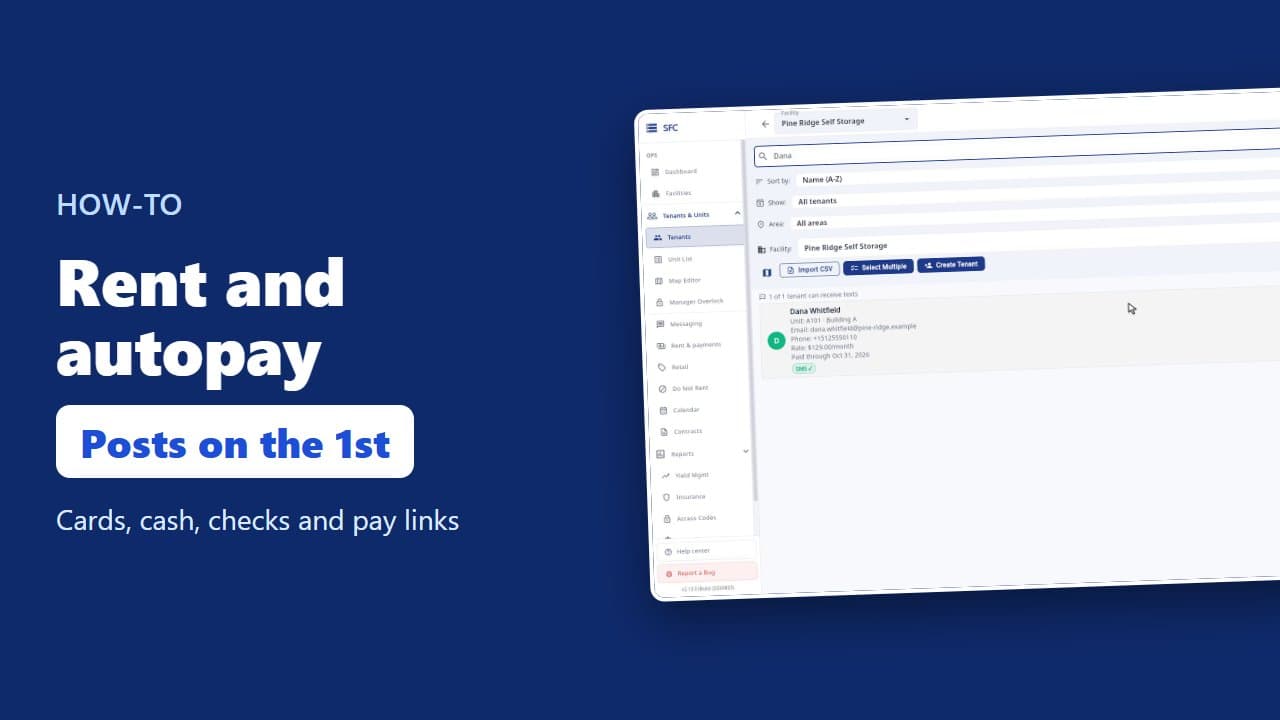 1:26
How to collect rent: autopay, cash and check, pay links
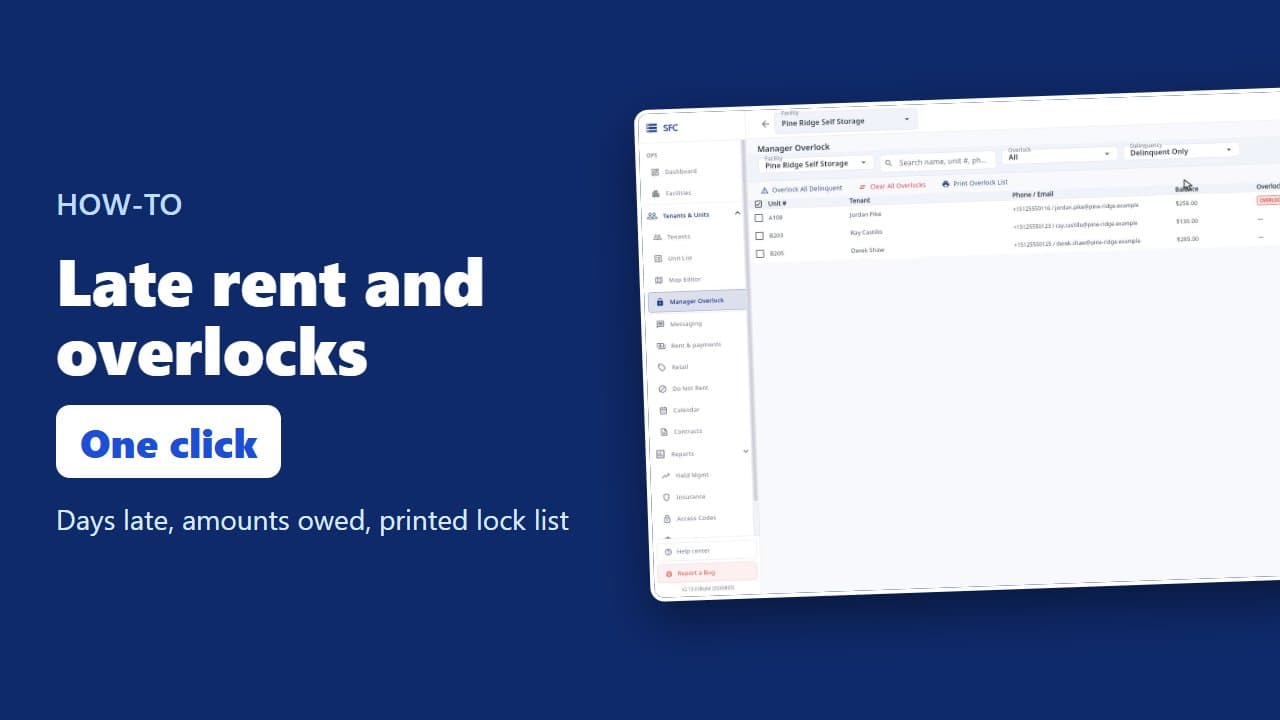 1:20
Late rent: find who is behind and overlock their units
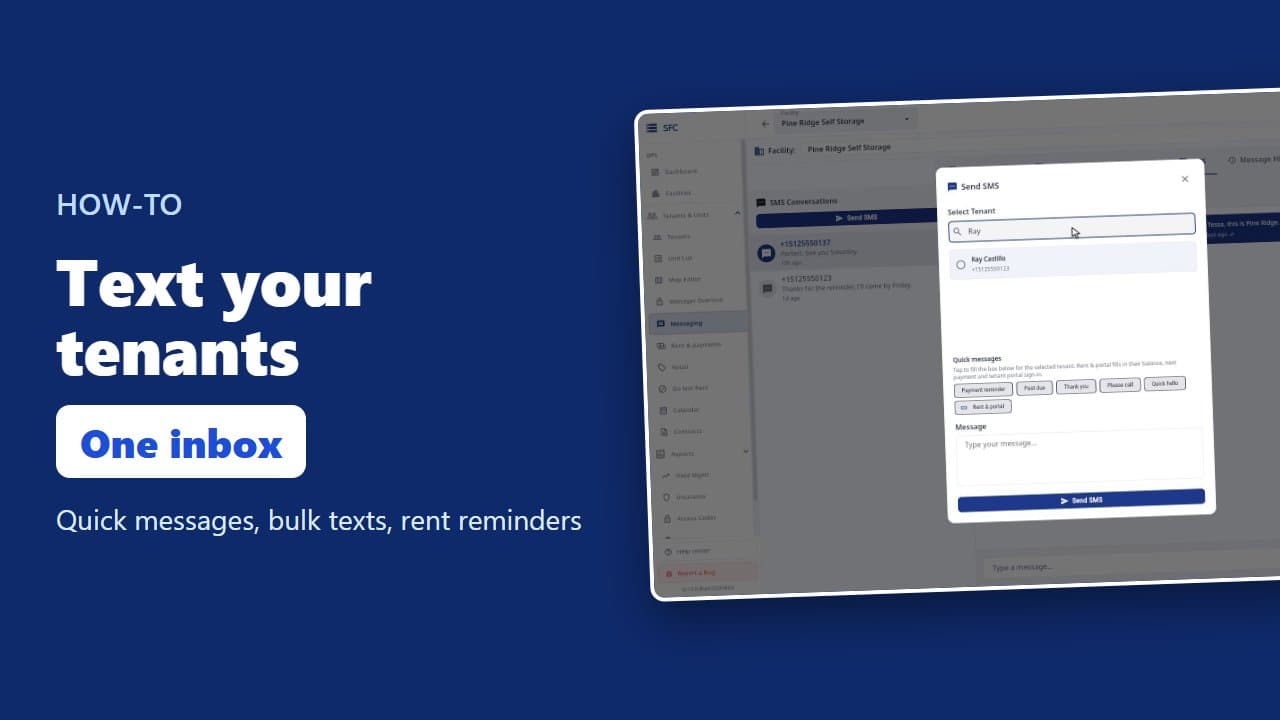 1:16
How to text and email your tenants
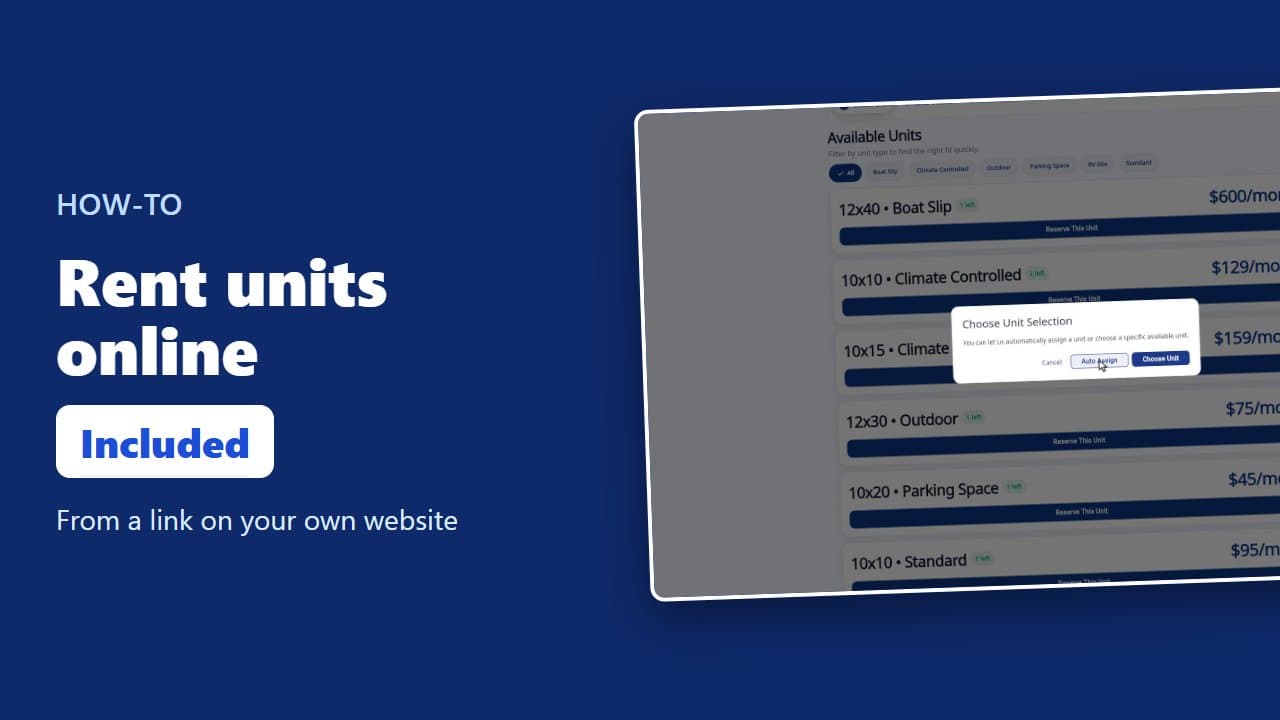 1:23
How renters rent a storage unit online
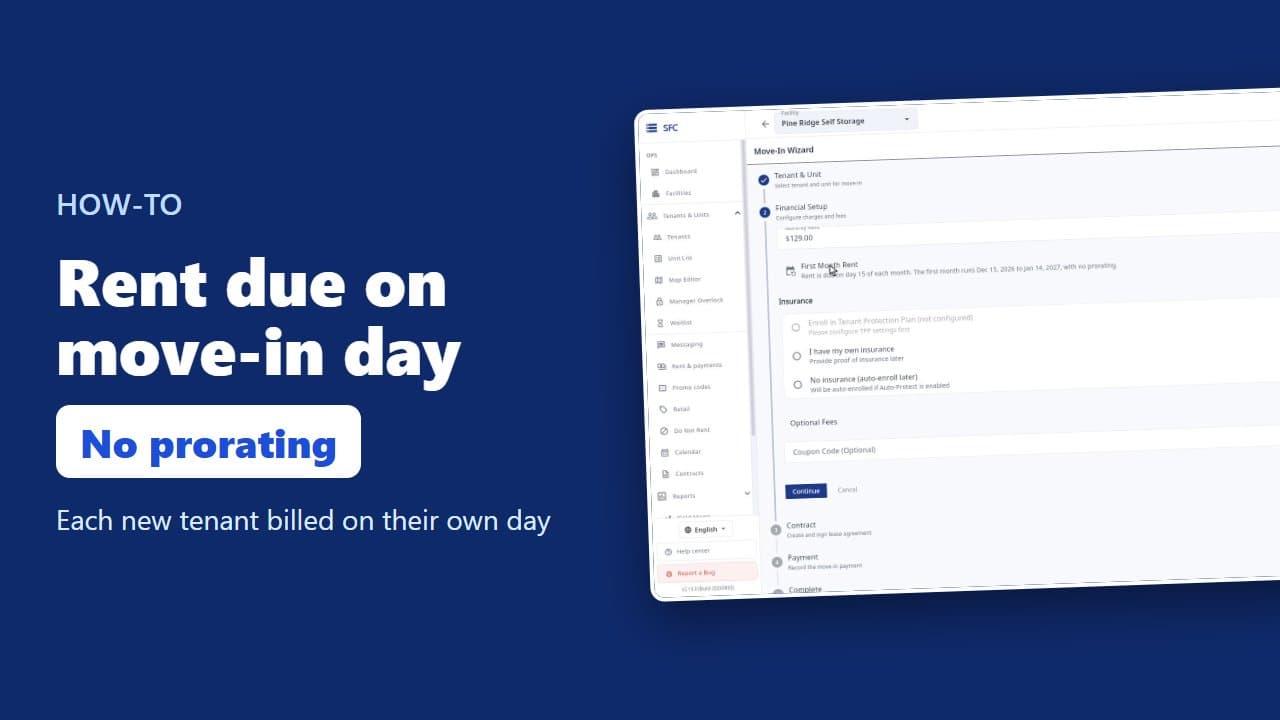 1:35
How to bill tenants on their move-in day
 1:17
Gate codes and the gate changes list
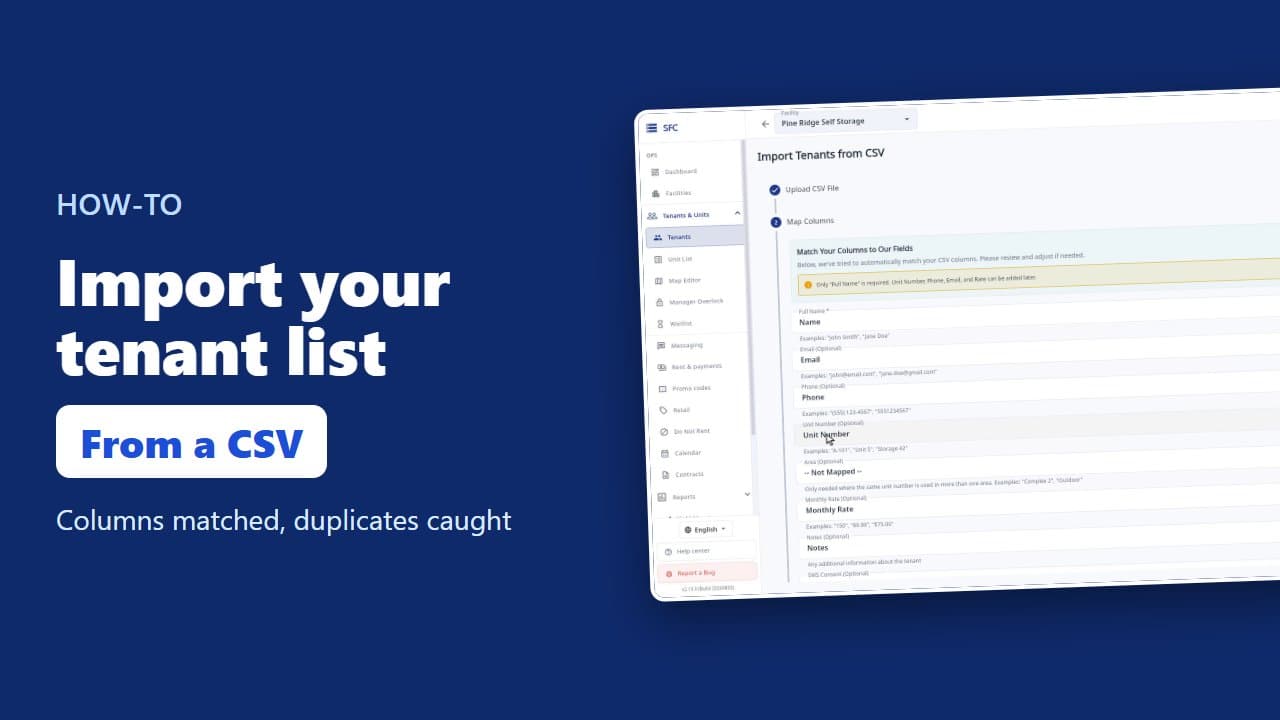 1:18
How to import your tenant list from a spreadsheet
Try it on your own facility
Start a trial, add your units and do it the way the video shows.
No onboarding fee. $75 per facility, per month. Built for self-storage operators.