
How to collect rent: autopay, cash and check, pay links
Rent posts on the 1st, autopay on a tenant, recording a cash or check payment with a receipt, finding any payment in Transactions, and sending a pay link.
Runs 1:26. Filmed on Pine Ridge Self Storage, a made-up demo facility with sample data. Nothing loads from YouTube until you press play, or watch it on YouTube.
Transcript
0:00Rent posts on the 1st
Rent is the part of this business nobody wants to think about. In Storage Facility Creator, rent posts to every tenant on the first of the month, on its own. Here's Rent and payments, with every transaction in one list.
0:15Autopay on a tenant
Open a tenant and you'll see their autopay. A tenant can save a card and switch it on themselves in the tenant portal, or you can do it here. Autopay collects the balance once a month, and if a card is declined, it's retried a few days later, and you're told.
0:33Record cash or check
Someone pays cash at the counter? Open Rent and payments, Collect, then Take payment, and pick the tenant. Record payment. Choose cash, check, Venmo, Zelle or a bank transfer, enter the amount, and print them a receipt.
0:51Transactions and receipts
Every payment lands in Transactions, whatever way it came in. Search by tenant, date, status or method, open a payment, and print or download the receipt. Tenants can print their own in the portal, too.
1:07Pay links
And when a tenant wants to pay from home, send them a pay link. Create Link, pick the tenant and the amount, and copy it into a text or email. They pay by card, no account needed. That's rent, handled.
More videos
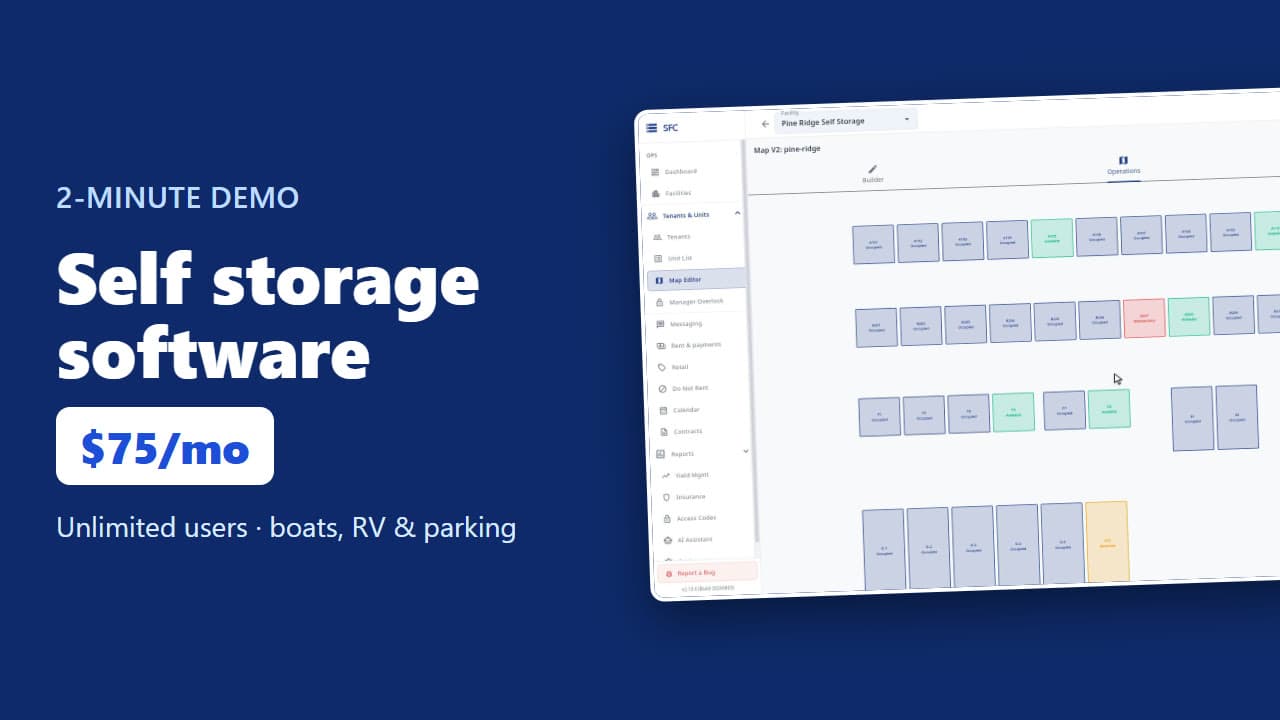 1:53
Self storage software demo in two minutes
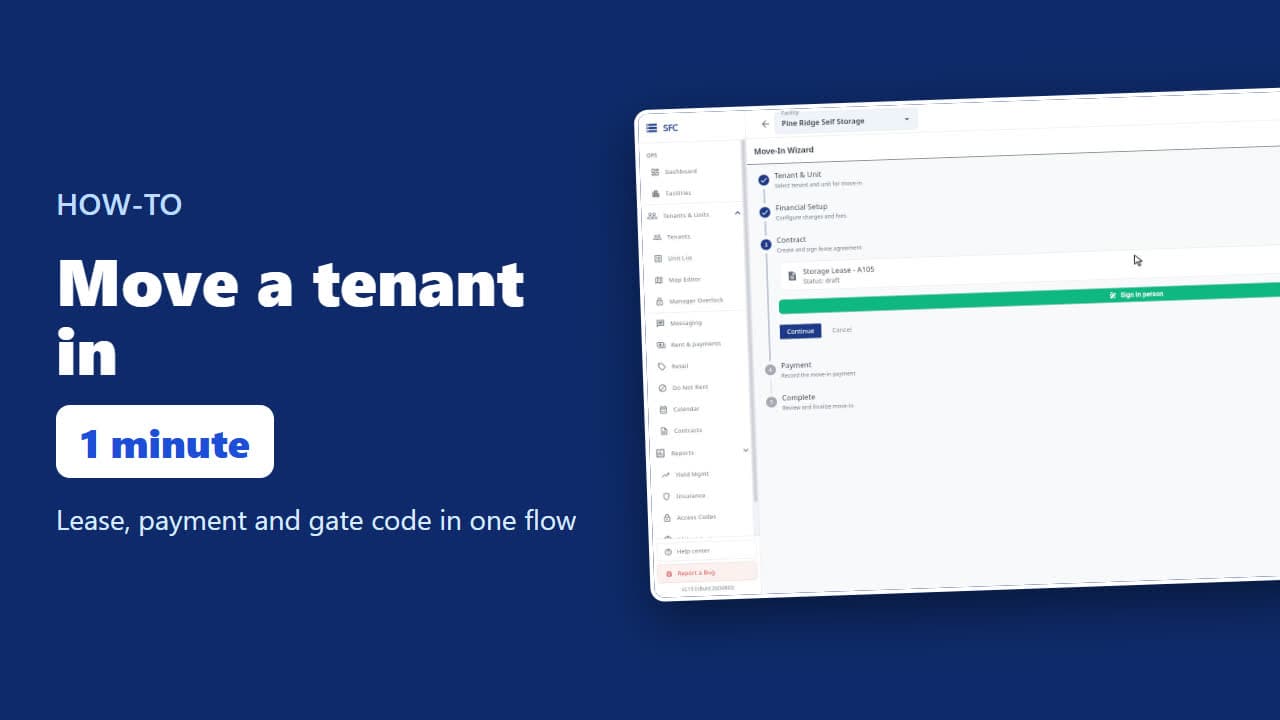 1:24
How to move a tenant in
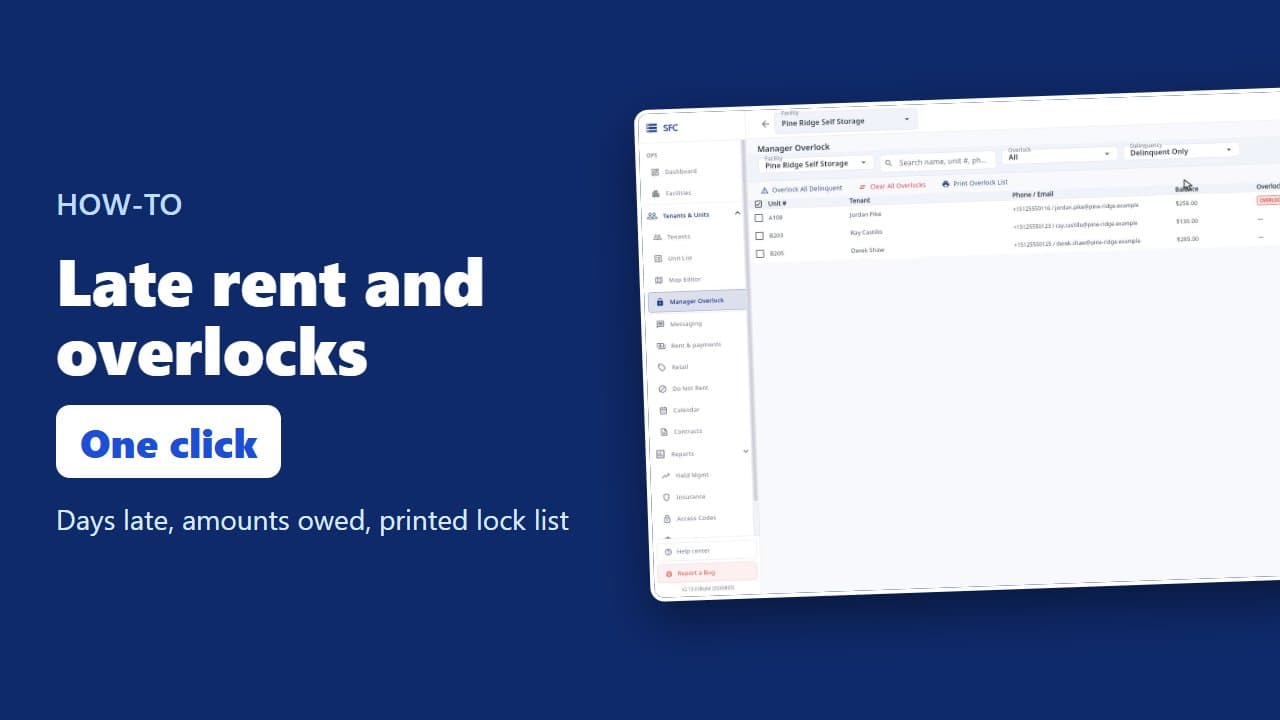 1:20
Late rent: find who is behind and overlock their units
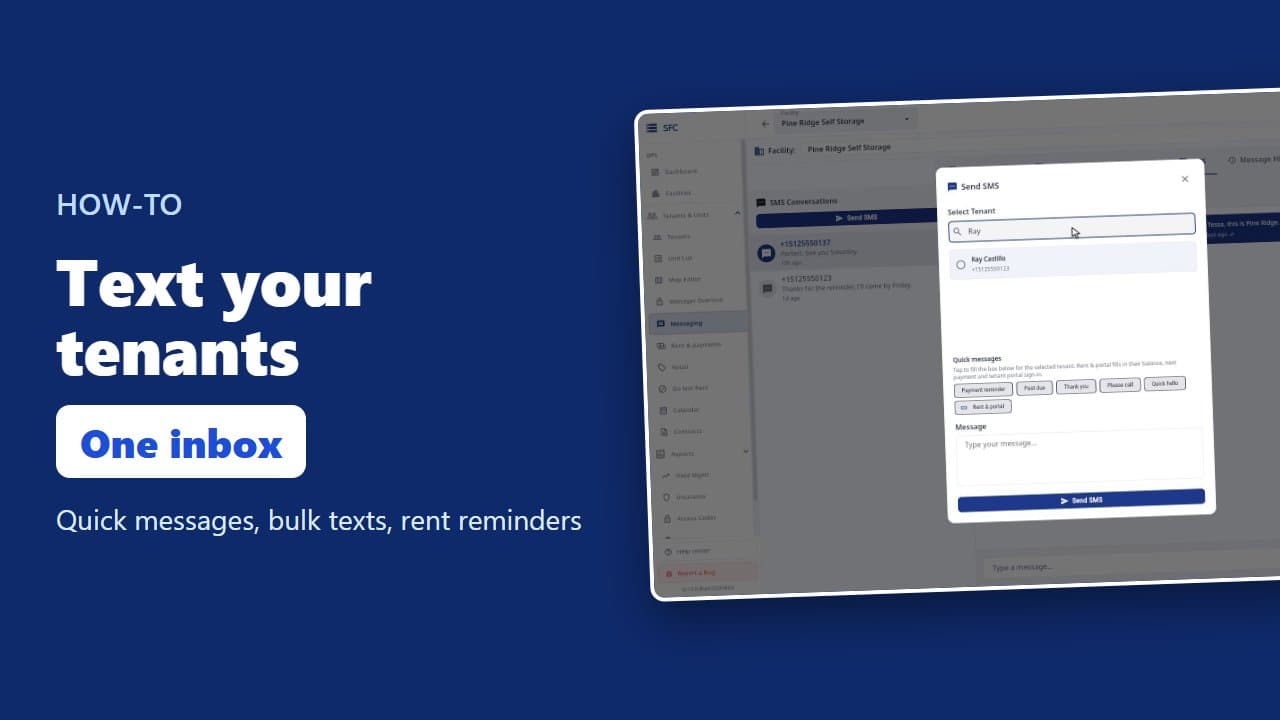 1:16
How to text and email your tenants
 1:23
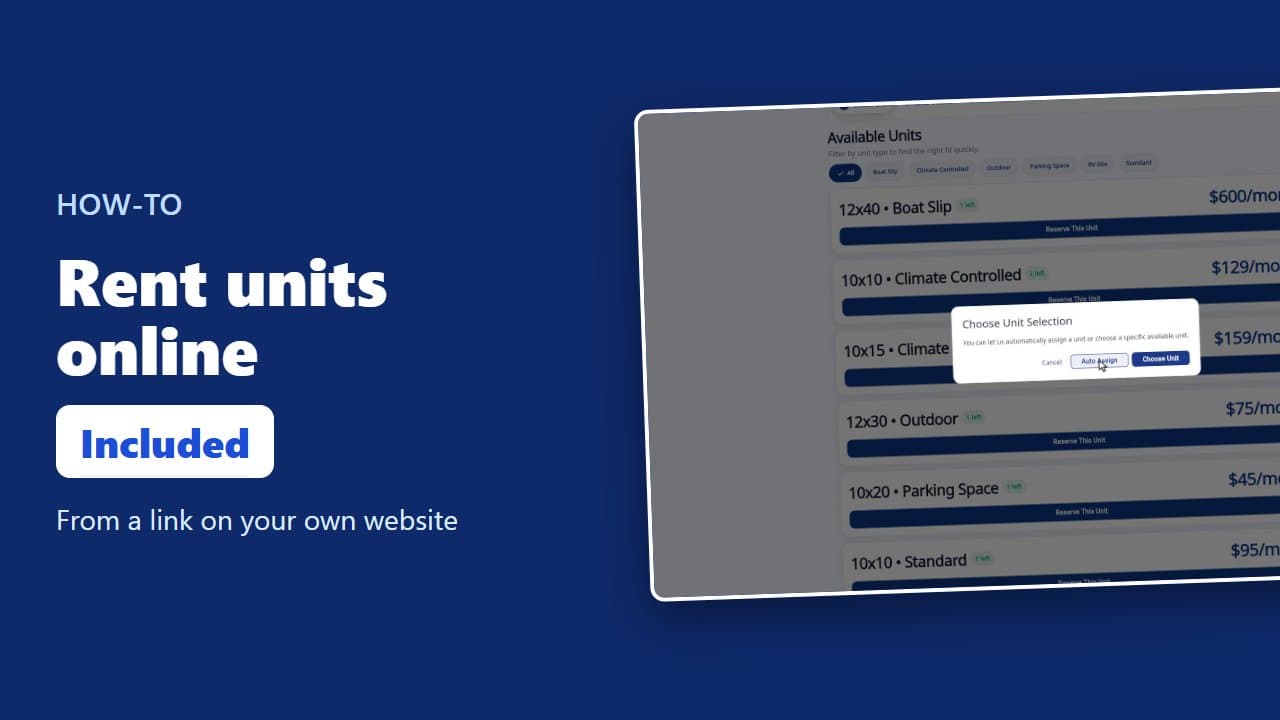
How renters rent a storage unit online
 1:08
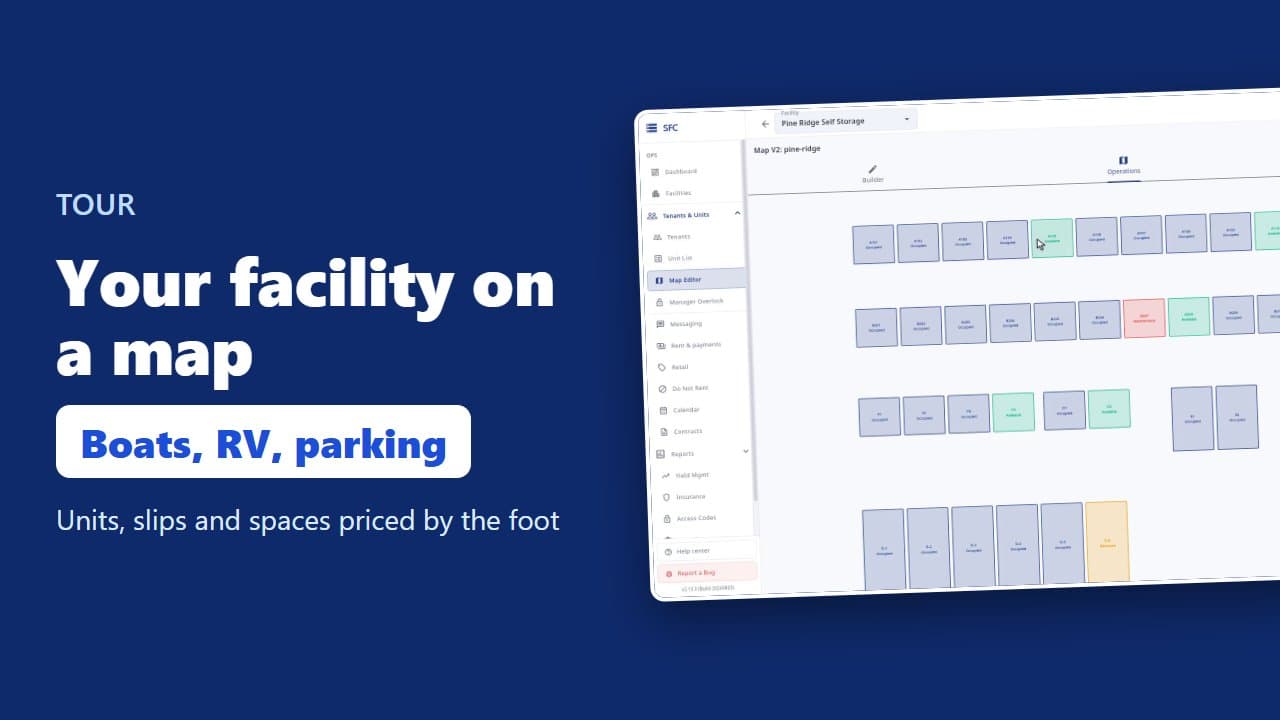
Site map, units, parking, RV sites and boat slips
 1:35
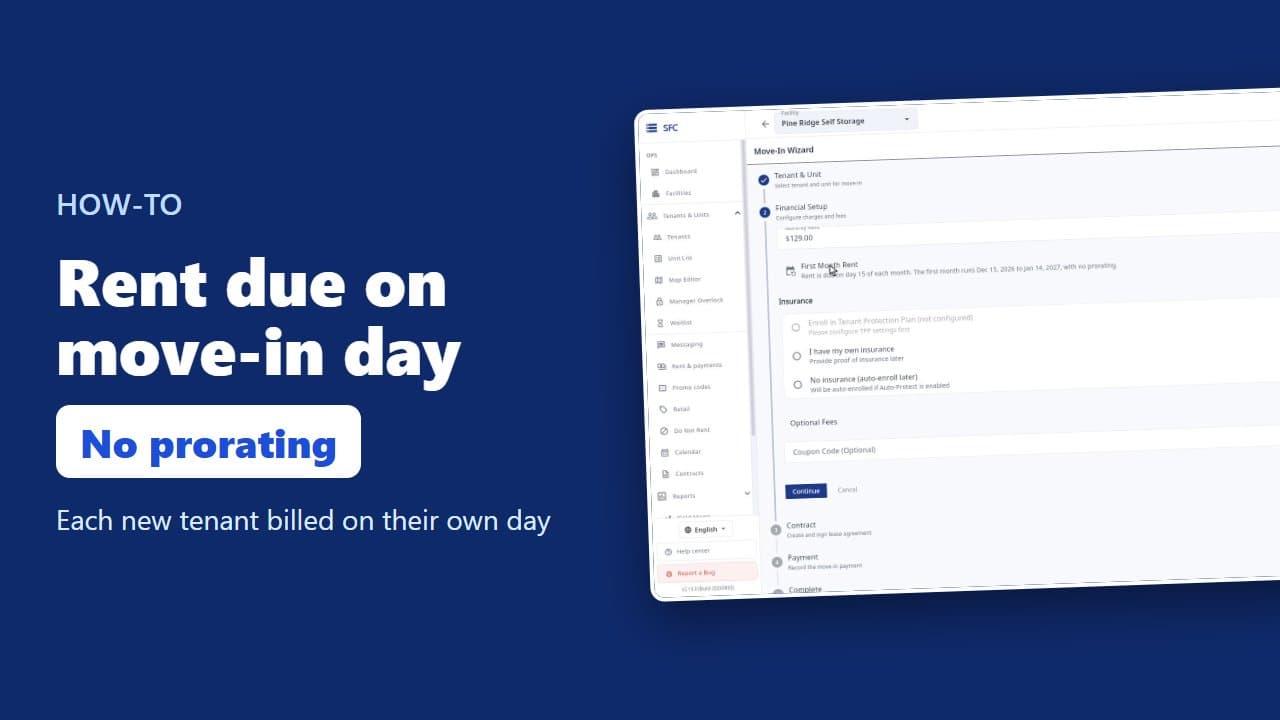
How to bill tenants on their move-in day
 1:17
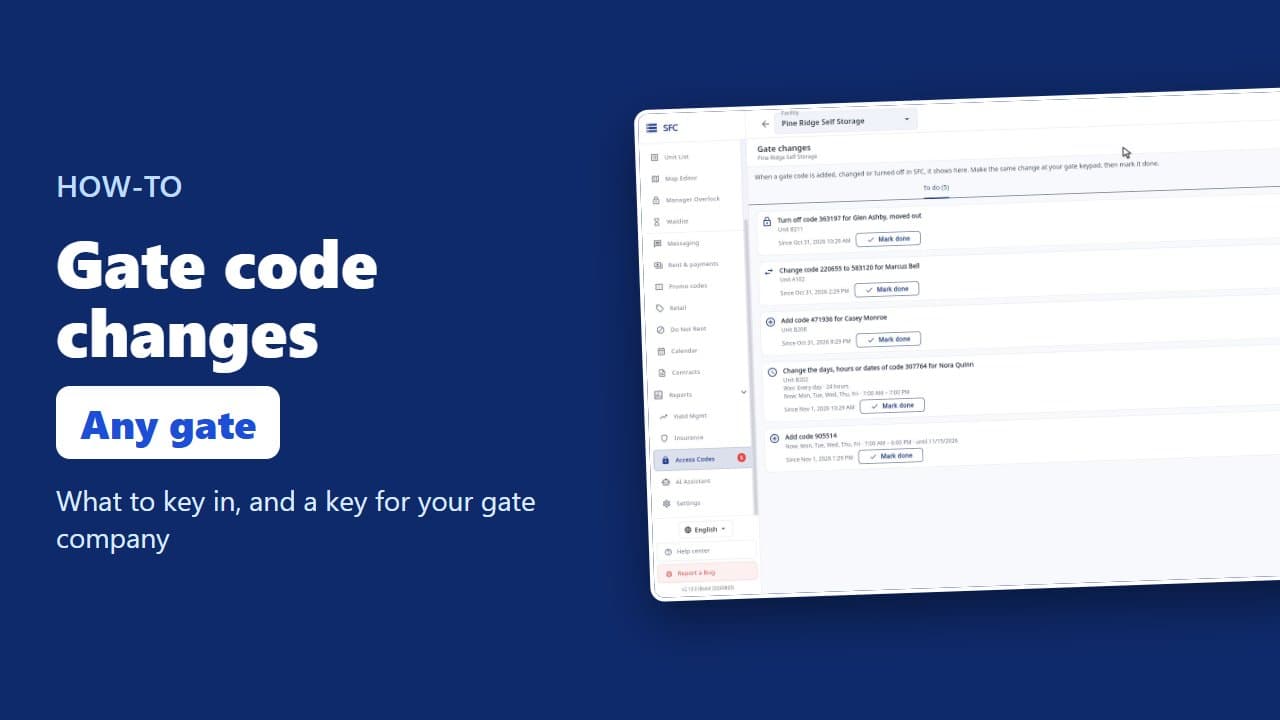
Gate codes and the gate changes list
 1:18
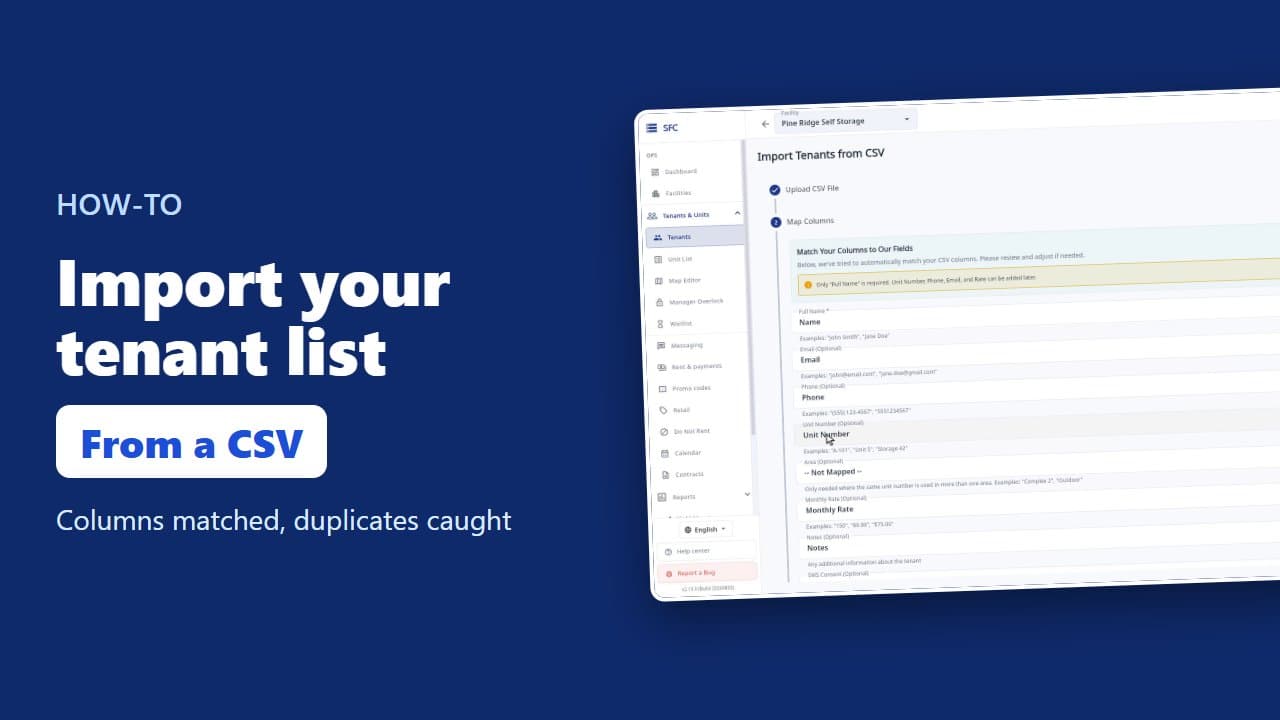
How to import your tenant list from a spreadsheet
Try it on your own facility
Start a trial, add your units and do it the way the video shows.
No onboarding fee. $75 per facility, per month. Built for self-storage operators.