
Late rent: find who is behind and overlock their units
Find who is behind on rent, read the Past due tab, set the grace period and late fee, overlock every delinquent unit in one click, print the list, and send a past-due text.
Runs 1:20. Filmed on Pine Ridge Self Storage, a made-up demo facility with sample data. Nothing loads from YouTube until you press play, or watch it on YouTube.
Transcript
0:00Who is behind on rent
When someone falls behind on rent, you shouldn't have to go looking. Open Tenants and set Show to Behind on rent. Each row says how long their rent has been due.
0:11The Past due tab
For the formal list, open Rent and payments, then Past due. Who's behind, by how many days, and what they owe. Overdue tenants see the same notice in their portal, with a button to pay.
0:26Grace period and late fees
Your grace period and late fee are set per facility, flat or a percentage. Switch on Charge late fees automatically and the fee posts by itself once the grace period passes. Leave it off, and you add fees by hand.
0:43Overlock in one click
To lock them out, open Manager Overlock. Overlock All Delinquent covers the whole facility in one click, skipping anyone still inside the grace period. Then Print Overlock List gives you the walk-round sheet, with tenant, phone and amount owed.
1:02When they pay, and the past-due text
When they pay, tick the unit and remove the overlock. And to nudge someone before it gets that far, Messaging has a ready-made past-due text. Pick the tenant, tap Past due, and send.
More videos
 1:53
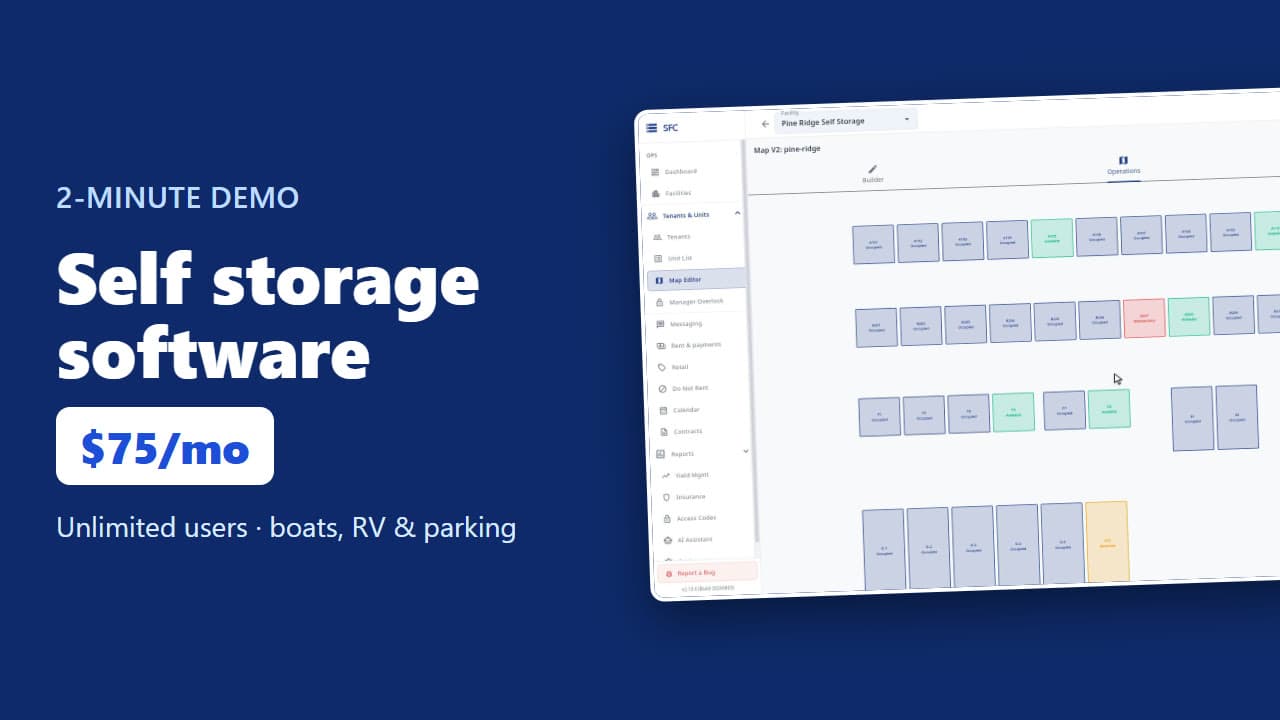
Self storage software demo in two minutes
 1:24
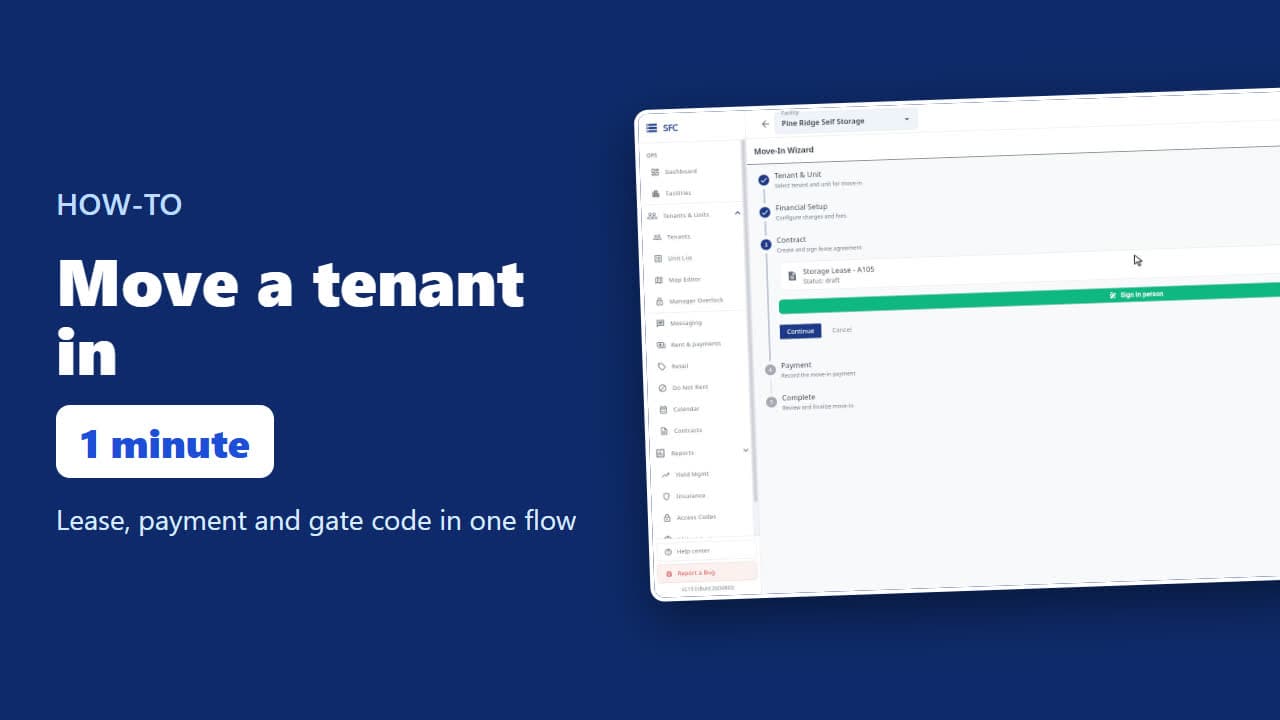
How to move a tenant in
 1:26
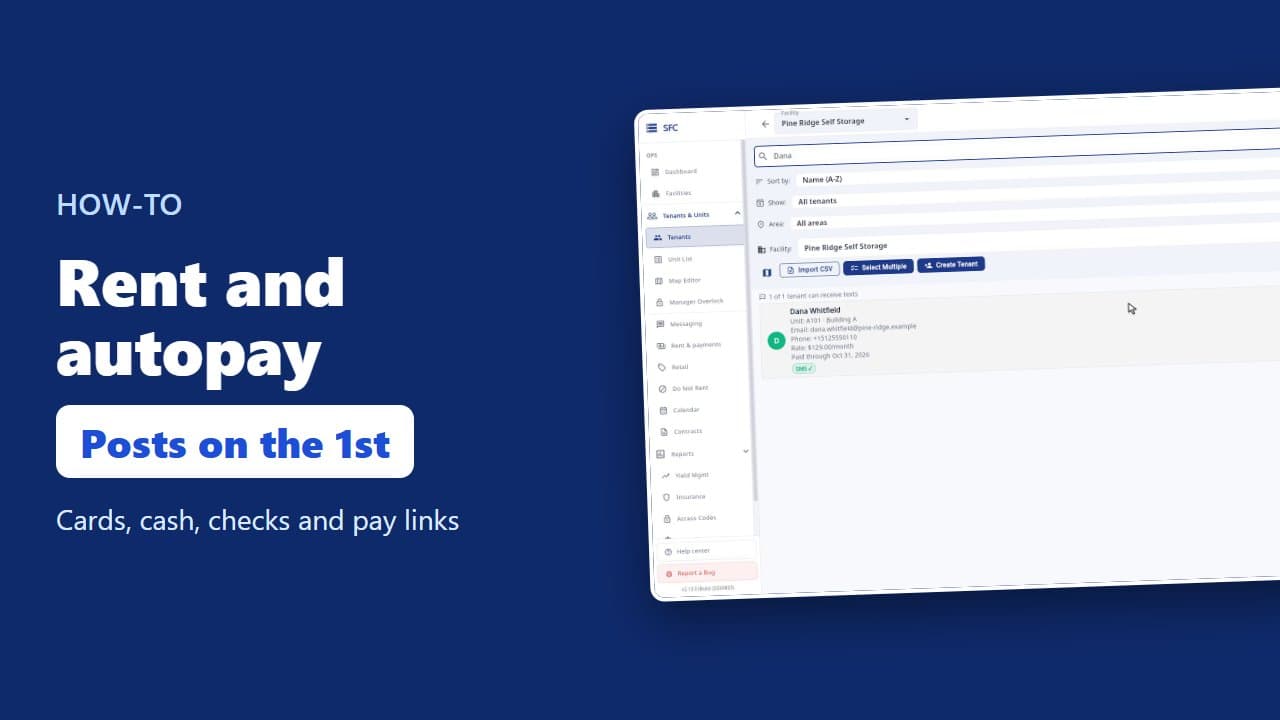
How to collect rent: autopay, cash and check, pay links
 1:16
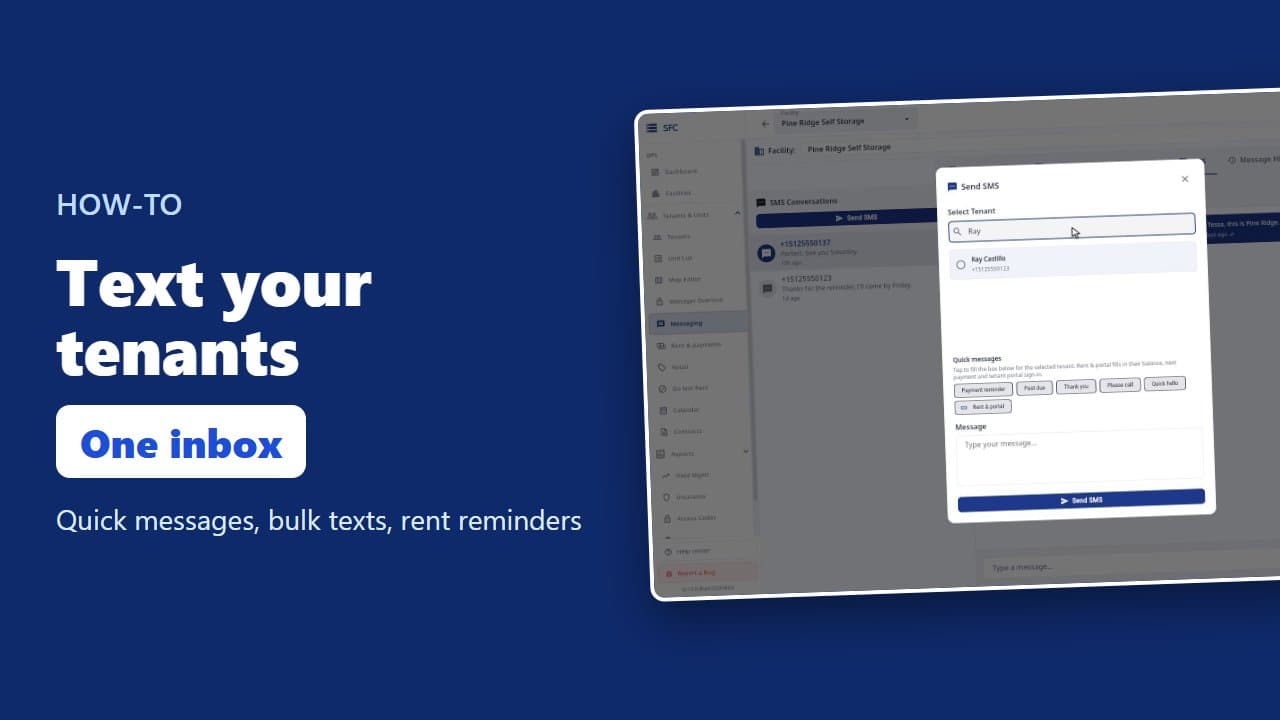
How to text and email your tenants
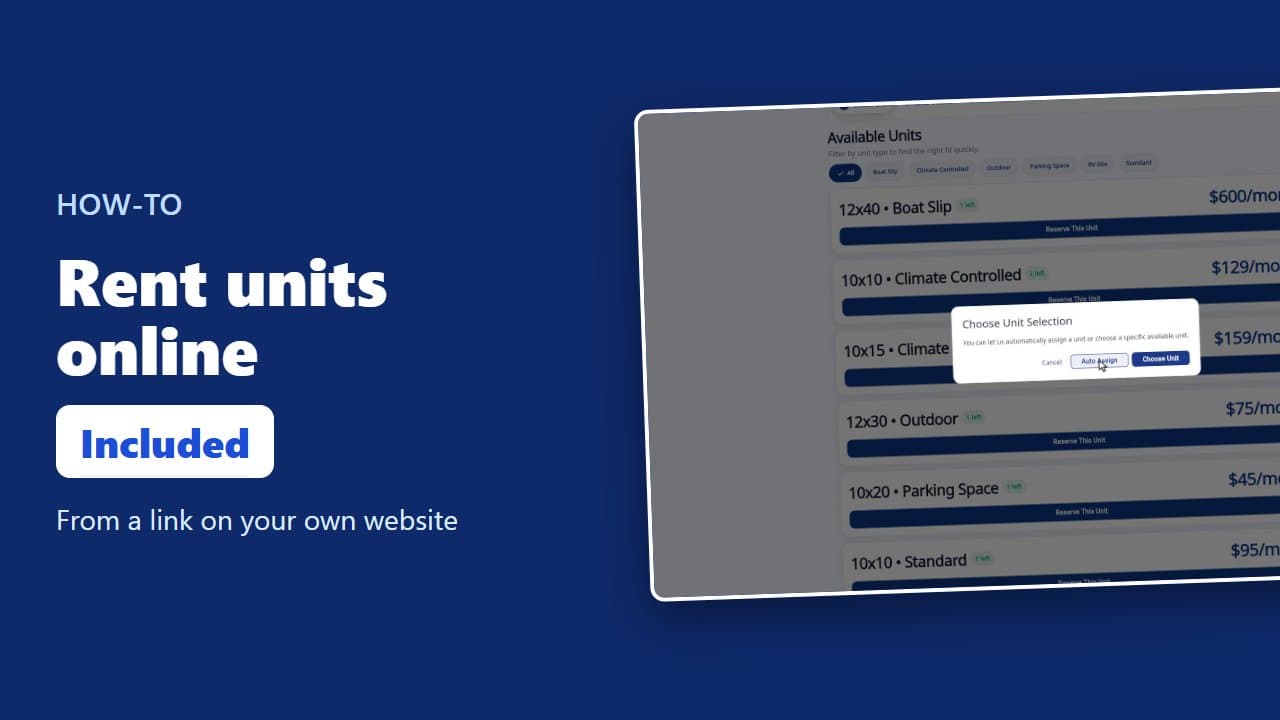 1:23
How renters rent a storage unit online
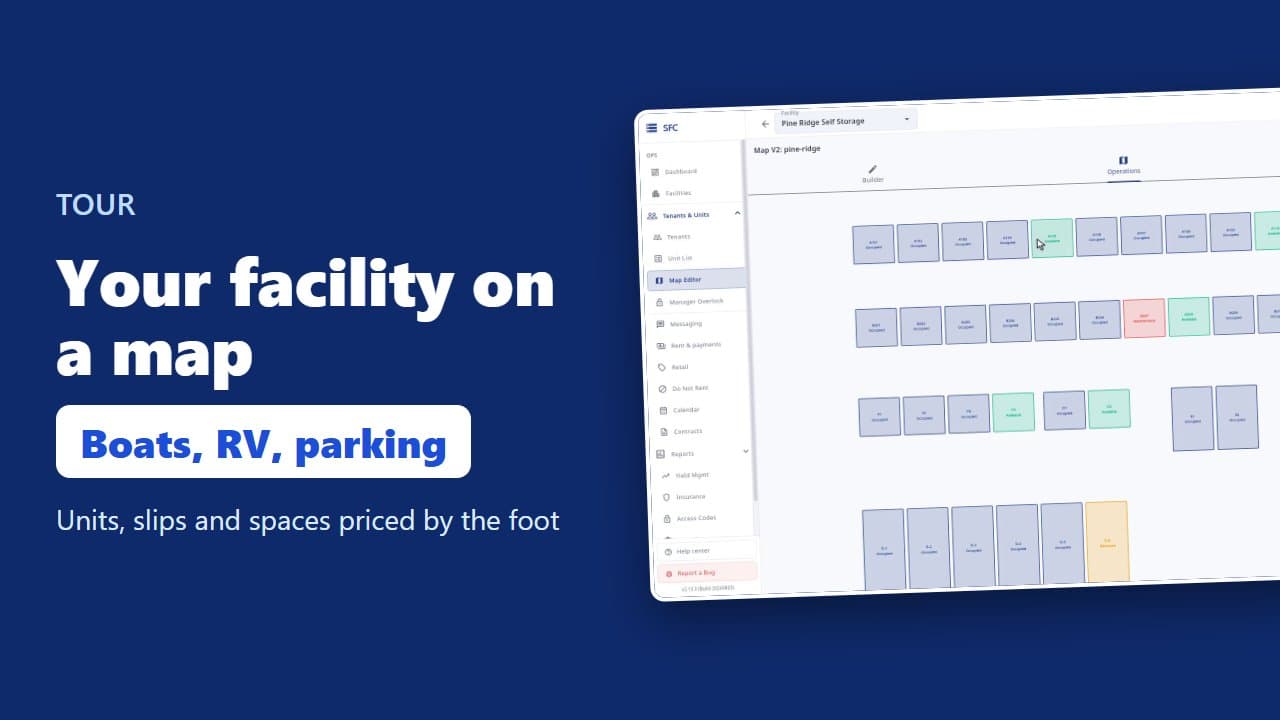 1:08
Site map, units, parking, RV sites and boat slips
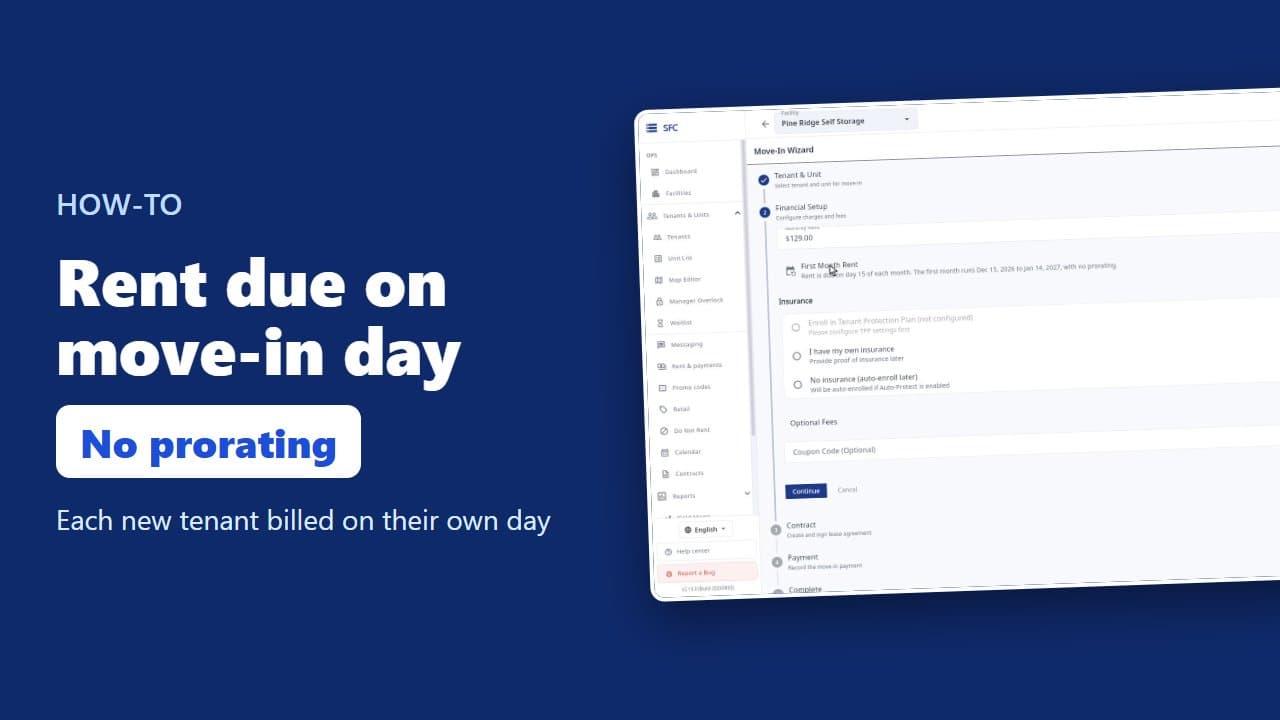 1:35
How to bill tenants on their move-in day
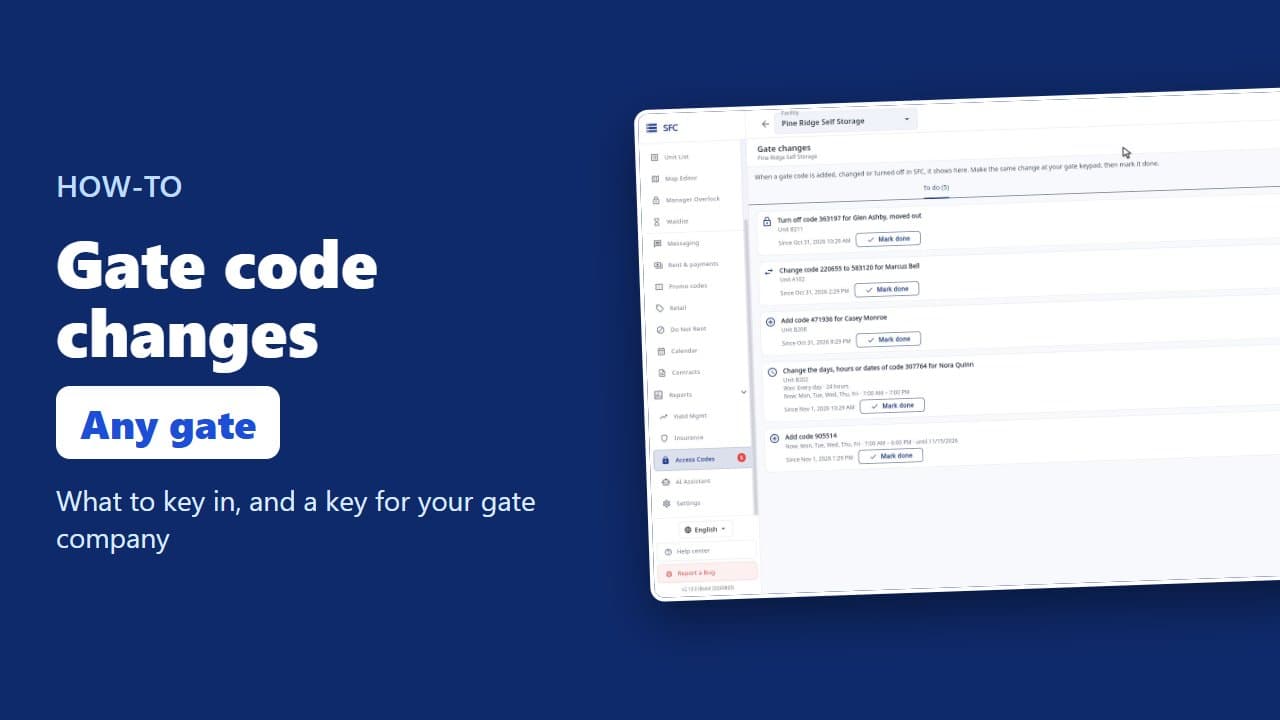 1:17
Gate codes and the gate changes list
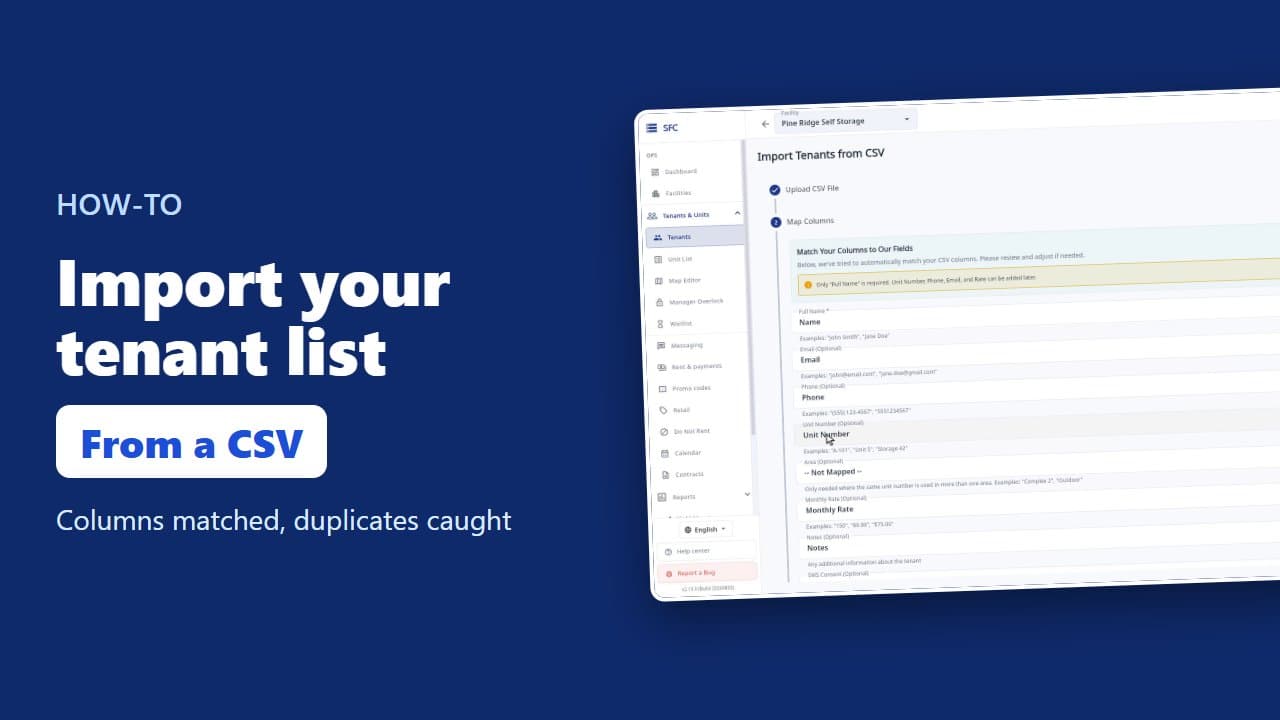 1:18
How to import your tenant list from a spreadsheet
Try it on your own facility
Start a trial, add your units and do it the way the video shows.
No onboarding fee. $75 per facility, per month. Built for self-storage operators.